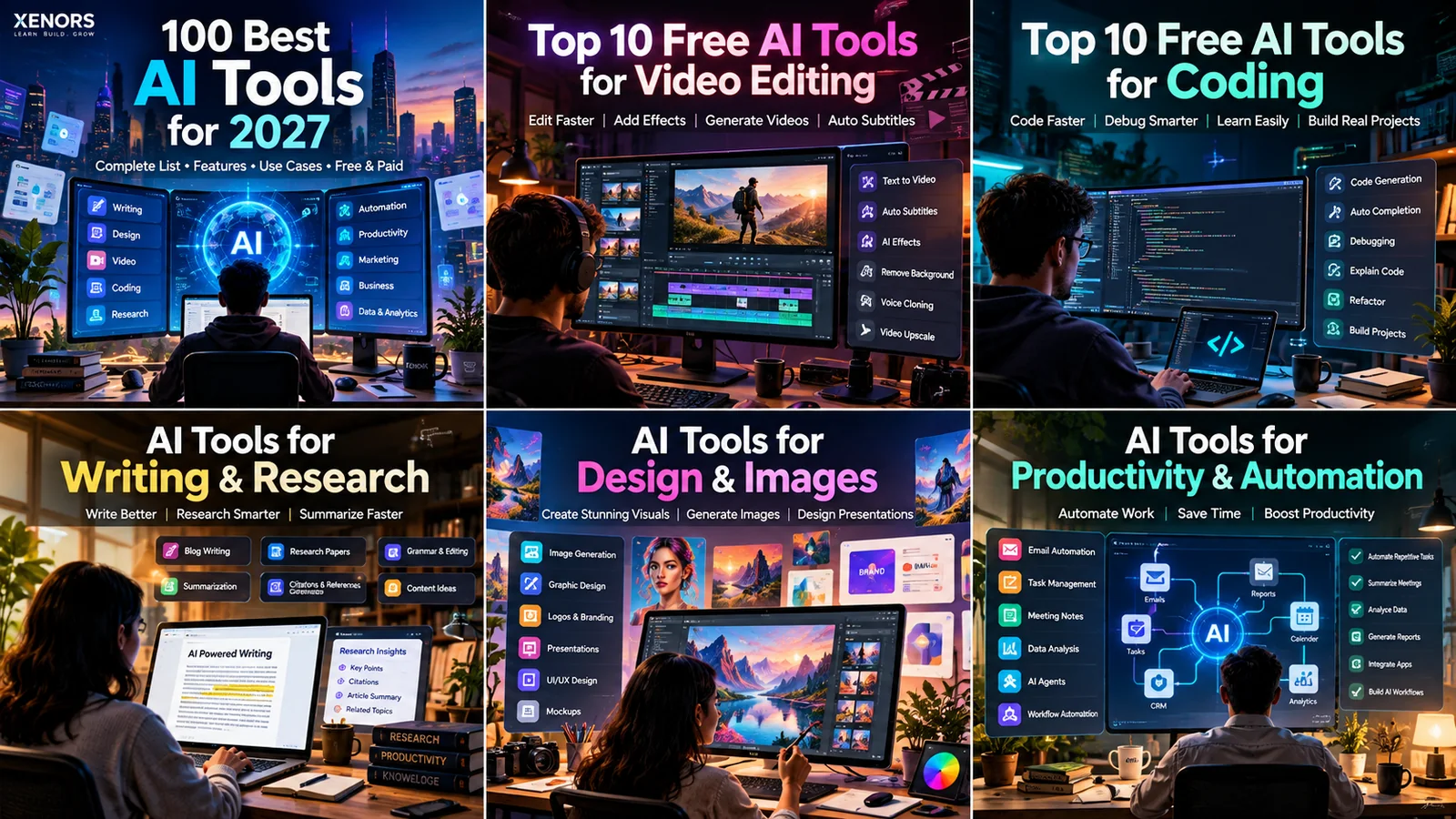
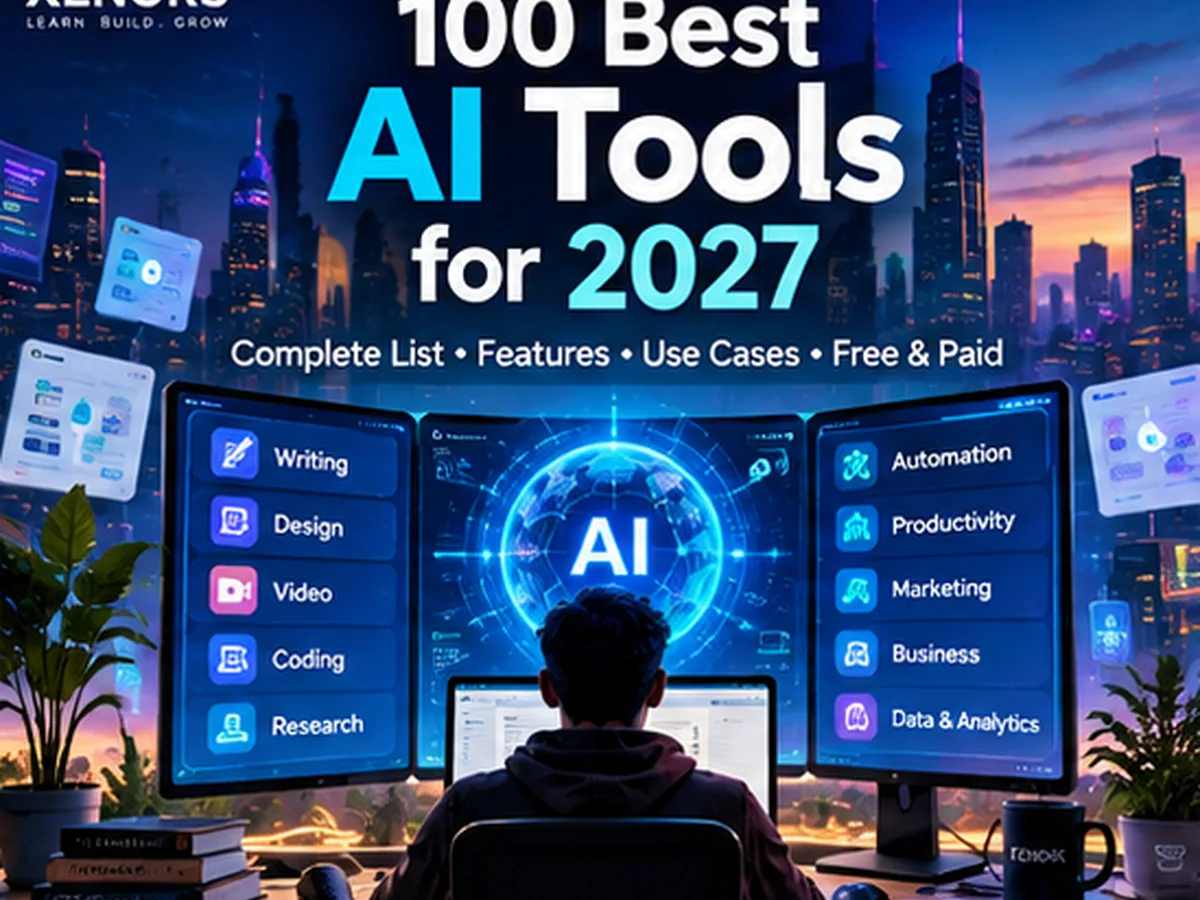
AI Tools in 2027: 100 Top Picks for Coding, Video, Writing, Design & More
Looking for an AI tools list that is actually organized by job?
This guide covers 100 tools across ten categories, including the
top 10 free AI tools for video editing,
the top 10 free AI tools for coding,
research, design, automation, marketing, presentations, audio and data.
Important 2027 note:
2027 has not started yet. This is a forward-looking guide built from products
and capabilities available as of October 2026. Free tiers, names, model access
and pricing can change, so verify a tool's current plan before purchasing or
publishing a comparison.
100AI tools reviewed
10use-case categories
20coding + video picks
2027search-focused planning
How to Use This AI Tools List in 2027
The phrase AI tools in 2027 will cover everything from chat
assistants and coding agents to video generators, research engines and autonomous
workflow systems. That makes a single “best AI tool” ranking misleading.
A developer, YouTube creator, student, marketer and data analyst need completely
different capabilities.
Instead of ranking every product on one artificial score, this page groups tools
by the task they are designed to solve. Within each category, look at four things:
output quality on your own data, how much human review is required, privacy and
integration requirements, and the cost at your real monthly usage. A tool that
looks cheap at ten prompts may become expensive when an agent runs hundreds of steps.
For free tools, also distinguish between free software, a
free tier, a trial and free credits.
These are not the same. This matters especially for generative video, voice and
coding agents, where compute costs can make unlimited free usage unrealistic.
Category 1
AI Assistants & Search
Best AI assistants for everyday work, research and answers.
Best AI assistants for everyday work, research and answers
The best general AI tool is the one that fits your daily workflow. Some assistants
are strongest at source-backed research, others at long documents, multimodal work
or ecosystem integration. For 2027 planning, test the same real task in two or three
assistants instead of choosing from benchmark headlines alone.
1
ChatGPT
General-purpose AI assistant for drafting, brainstorming, analysis, file work and multimodal tasks. It suits users who want one flexible workspace instead of a collection of narrow tools.
Free-access note: Free access is usually available with limits; premium plans add higher limits and more capabilities.
2
Claude
Strong for long-document reasoning, writing, analysis and coding conversations. It is especially useful when you want thoughtful explanations, structured drafts and work across large amounts of context.
Free-access note: A limited free plan is commonly available; advanced model access and usage are plan-dependent.
3
Google Gemini
A broad AI assistant that works well for search-connected tasks, writing, coding, images and Google ecosystem workflows. It is a practical fit for users already using Gmail, Docs and Drive.
Free-access note: Free access exists for many core features; higher-end capabilities may require a paid Google plan.
4
Microsoft Copilot
Useful for web answers, writing, image help and Microsoft 365 workflows. Businesses that already live in Word, Excel, PowerPoint and Teams may find its ecosystem integration more important than raw model comparisons.
Free-access note: Consumer access includes free features; Microsoft 365 and enterprise capabilities can be paid.
5
Perplexity
An AI research and answer engine built around cited web results. It is useful for quickly collecting sources, comparing claims and turning a broad question into a research starting point.
Free-access note: A free tier is available, while deeper research and premium model usage can be limited by plan.
6
Grok
An assistant positioned around conversational answers, current information and multimodal capabilities. It can be useful when you want a fast second opinion or another model perspective on research and technical questions.
Free-access note: Availability and free limits can vary by account, region and platform.
7
Meta AI
A consumer AI assistant integrated across Meta products and available for general questions, creativity and image-related tasks. It is convenient for users who want AI inside social and messaging experiences.
Free-access note: Many consumer features are offered without a separate AI subscription, although availability varies.
8
Le Chat
Mistral's assistant is a fast alternative for writing, reasoning, document work and multilingual use. It appeals to people who want another major-model option beyond the largest US platforms.
Free-access note: Free access is available for core usage, with paid tiers for heavier or organizational use.
9
Poe
A multi-bot platform where users can access and compare different AI models and custom bots from one interface. It is useful for people who regularly switch models for writing, coding or creative tasks.
Free-access note: Free daily usage is available for selected bots; premium models consume plan-dependent points or limits.
10
NotebookLM
A source-grounded research notebook designed around the documents and links you provide. It is especially effective for study guides, source summaries, briefing notes and exploring a private set of references.
Free-access note: Google offers consumer access with feature and usage limits that may change over time.
Category 2
Top 10 Free AI Tools for Coding
Top 10 free AI tools for coding, debugging and building projects.
Top 10 free AI tools for coding, debugging and building projects
If you are specifically searching for top 10 free AI tools for coding,
start here. These tools cover autocomplete, codebase chat, debugging, terminal agents,
repository search and app generation. “Free” is not permanent: providers frequently
change quotas, so use the list as a shortlist and verify the current free allowance
before committing a project.
1
GitHub Copilot
An IDE and GitHub-native coding assistant for completions, chat, code explanation, tests and agent workflows. It is one of the easiest choices for developers who already work inside VS Code, Visual Studio or GitHub.
Free-access note: Free or promotional access can exist for eligible users; paid plans are common for professional use.
2
Cursor
An AI-first code editor built around codebase chat, multi-file edits and agentic development. It is particularly useful when you want AI to understand a repository rather than only autocomplete the current line.
Free-access note: A free tier or trial-style access may be available, but heavy agent usage generally has limits.
3
Claude Code
A terminal-first coding agent that can inspect repositories, edit files, run commands and help with debugging or refactoring. It fits developers comfortable working from the command line on larger codebases.
Free-access note: Access depends on Anthropic account and plan limits; check current terms before relying on it as a free tool.
4
OpenAI Codex
A coding agent designed for software tasks such as implementing features, understanding repositories and working through multi-step engineering requests. It is useful when you want task-level help rather than simple autocomplete.
Free-access note: Access can depend on the ChatGPT or developer plan available at the time you use it.
5
Amazon Q Developer
An AI coding assistant with strong relevance for AWS development, cloud troubleshooting and IDE assistance. It can help explain code, generate changes and answer questions about AWS services.
Free-access note: Amazon has offered free entry access for individual developers, with paid options for organizations.
6
Replit
A browser-based development environment with AI features for generating, modifying and deploying applications. It is especially attractive to beginners and founders who want to move from idea to running prototype quickly.
Free-access note: A free workspace tier may be available, while agent and deployment capacity can be limited or paid.
7
Tabnine
A coding assistant focused on code completion, chat and enterprise controls. Teams interested in privacy, deployment choices and policy controls may evaluate it alongside more consumer-oriented coding tools.
Free-access note: Free availability can change; professional and enterprise features are typically plan-based.
8
JetBrains AI Assistant
Integrated directly into JetBrains IDEs for code explanation, generation, refactoring and documentation help. It is a natural choice for developers already using IntelliJ IDEA, PyCharm, WebStorm or other JetBrains tools.
Free-access note: Access is tied to JetBrains product and AI-service terms; check current free allowances.
9
Sourcegraph Cody
A code-focused assistant designed to understand larger repositories through Sourcegraph context. It can help with code search, explanation and changes across complex codebases.
Free-access note: Free access may be available with limits; organization and enterprise capabilities are paid.
10
Continue
An open-source AI coding assistant that can connect to different models inside popular editors. It is useful for developers who want more control over model choice, prompts and self-hosted or local workflows.
Free-access note: The extension is open source; model/API costs depend on whichever provider or local model you connect.
Category 3
Top 10 Free AI Tools for Video Editing
Top 10 free AI tools for video editing, captions, clips and generation.
Top 10 free AI tools for video editing, captions, clips and generation
This section targets the query top 10 free AI tools for video editing.
The list mixes editors with genuine free versions and tools that offer limited free
credits or trials, because AI video generation is compute-heavy and free limits change
often. Choose based on your workflow: full editing, subtitles, social clips, generative
video or professional post-production.
1
CapCut
A popular editor with AI-assisted captions, background removal, templates, reframing and social-video workflows. It is one of the easiest starting points for creators producing Shorts, Reels and fast marketing videos.
Free-access note: A free version is available, though some AI effects, exports and assets can require Pro access.
2
DaVinci Resolve
A professional video editor with strong free capabilities plus AI-assisted tools in its broader feature set. It is best for creators who need serious editing, color, audio and post-production in one desktop application.
Free-access note: The base version is free; some advanced AI features are reserved for DaVinci Resolve Studio.
3
Descript
An editor built around transcripts, allowing creators to edit video and audio by editing text. AI features help with captions, cleanup, filler words, clips and spoken-content workflows.
Free-access note: A free tier is generally available with limits on transcription, exports and advanced AI usage.
4
Runway
A creative AI video platform for generation, transformation, visual effects and experimental editing. It is useful when the job goes beyond cutting footage and into generative shots or AI-powered post-production.
Free-access note: Limited free credits may be offered; high-resolution and repeated generation normally consume paid credits.
5
VEED
A browser-based editor with automatic subtitles, cleanup, resizing and AI-assisted content tools. It is convenient for teams that want quick social or business video creation without installing a desktop editor.
Free-access note: A free plan exists with export and feature limitations; premium features may add watermark-free or higher-quality output.
6
Adobe Premiere Pro
A professional editor increasingly enhanced with AI for transcription, search, reframing, cleanup and generative workflows. It is best for creators already committed to the Adobe production ecosystem.
Free-access note: Premiere Pro itself is primarily paid; Adobe may offer trials, education access or limited free companion tools.
7
Canva
Canva combines templates, editing, captions, background tools and AI-assisted content generation in a simple browser interface. It is ideal for marketers and non-editors producing short branded video quickly.
Free-access note: A useful free plan is available; some AI tools, assets and export options require Canva Pro or credits.
8
InVideo
A text-to-video and template-driven platform aimed at marketing, explainers and social content. It can turn scripts into editable scenes and is useful for creators who value speed over frame-by-frame control.
Free-access note: Free access can include watermarks or generation limits; paid plans increase export and AI capacity.
9
Pictory
Designed for converting scripts, articles and long videos into shorter visual content. It is especially relevant for faceless video workflows, summaries and repurposing existing content.
Free-access note: Free trials or limited access may be available; ongoing production generally requires a subscription.
10
OpusClip
An AI clipping tool that turns long videos into short vertical clips, adds captions and helps identify highlight moments. It is valuable for podcasts, interviews and YouTube channels repurposing long-form content.
Free-access note: Free monthly processing allowances may exist, with higher volumes and branding controls on paid plans.
Category 4
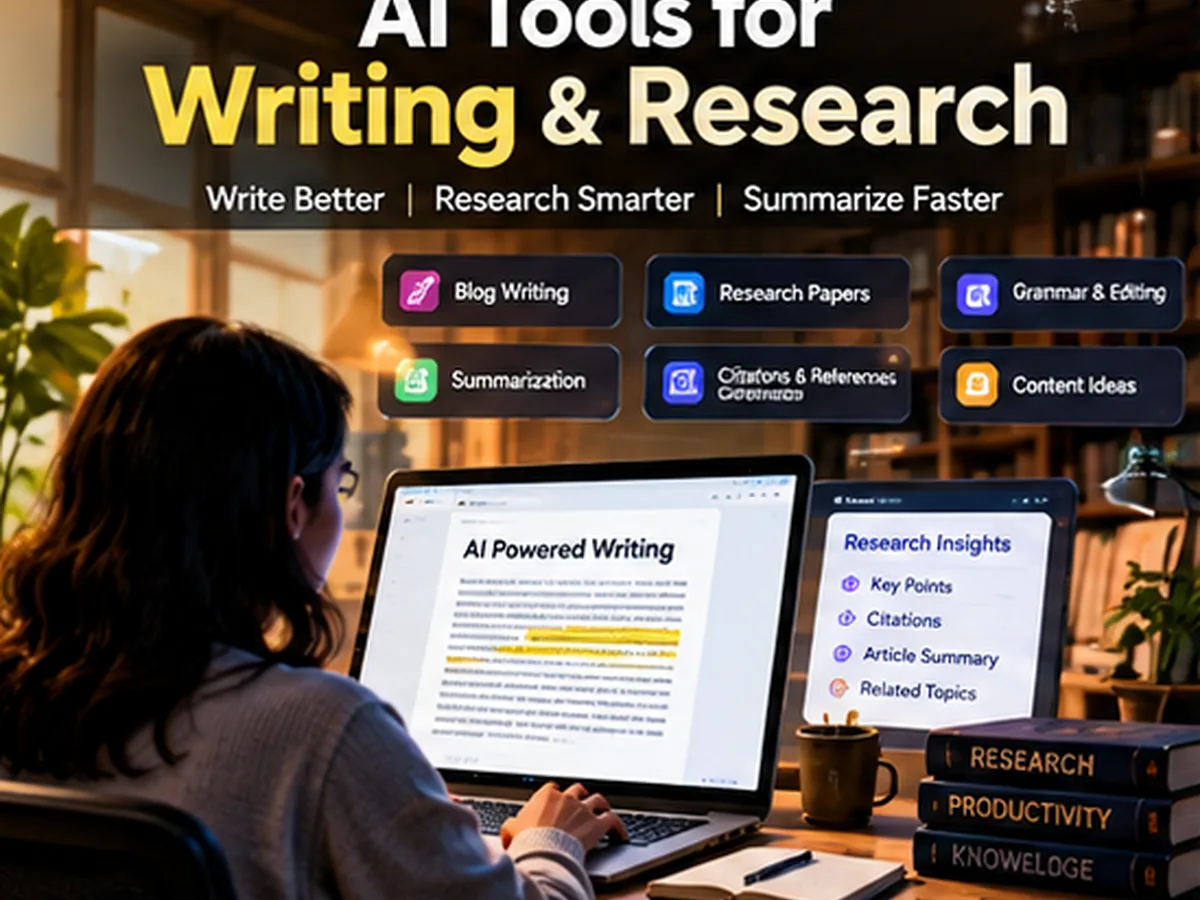
AI Tools for Writing & Research
AI writing, research, summarization and academic discovery tools.
AI writing, research, summarization and academic discovery tools
For writing and research, separate drafting from evidence. A fluent paragraph is not
automatically a reliable source. Use research-specific tools for papers and citations,
then use writing assistants to improve structure, clarity and tone.
1
Grammarly
AI-assisted writing support for grammar, tone, clarity and rewriting across browsers and productivity apps. It is most useful as an always-on editor rather than a blank-page content generator.
Free-access note: The free plan covers core writing assistance; advanced generative and style features may require a paid plan.
2
QuillBot
A rewriting and paraphrasing tool with summarization and writing utilities. Students and writers often use it to restate drafts, simplify sentences and explore alternative phrasing.
Free-access note: Core paraphrasing is available free with restrictions; premium plans expand modes and limits.
3
Jasper
A marketing-focused AI writing platform for brand voice, campaign copy and team content workflows. It fits businesses that need repeatable marketing processes more than a general chatbot.
Free-access note: Jasper is primarily a paid product and may offer trials rather than a permanent full free tier.
4
Copy.ai
A go-to-market writing and workflow platform for sales, marketing and content operations. It can help teams turn repeatable content tasks into structured AI-assisted workflows.
Free-access note: Free availability and limits change over time; business automation features are commonly paid.
5
Writesonic
An AI writing suite that also targets SEO, marketing and content repurposing. It is useful for teams that want drafting plus search-oriented workflows in one product.
Free-access note: A limited free plan or trial may be available, with generation and SEO features tied to usage limits.
6
Sudowrite
A creative-writing assistant aimed at fiction authors. It helps with brainstorming, description, rewriting, scene development and overcoming writer's block.
Free-access note: It is mainly a paid creative tool; trial access may be available depending on current offers.
7
Elicit
A research assistant built for finding, screening and summarizing academic literature. It is useful when you need evidence from papers rather than generic web summaries.
Free-access note: Elicit offers limited free research capabilities, with heavier review and extraction workflows on paid tiers.
8
Consensus
An academic search tool that uses research papers to answer evidence-oriented questions. It is useful for quickly checking what published literature says about a claim.
Free-access note: A free tier is generally available, while deeper analysis and higher usage limits can require a subscription.
9
Scite
A research platform known for showing how papers are cited and whether later work supports, mentions or contrasts them. It is valuable for checking the strength and context of academic references.
Free-access note: Access to advanced citation analysis is usually paid, though limited discovery features may be available.
10
Scholarcy
A document summarizer for research papers and long-form academic material. It can extract key concepts, findings and references into a more digestible format.
Free-access note: Limited free use may be offered; larger document workflows can require a paid plan.
Category 5
AI Tools for Design & Images
AI image generation, design, branding and creative workflows.
AI image generation, design, branding and creative workflows
Image and design tools now range from one-click generators to controllable creative
pipelines. Pick based on whether you need typography, photorealism, brand templates,
local control, editing or repeatable commercial workflows.
1
Midjourney
A high-quality image generation platform known for stylized, cinematic and art-directed visuals. It is popular for concept art, marketing imagery and creative exploration.
Free-access note: Midjourney is generally subscription-based; free availability is not something to assume for 2027.
2
OpenAI Image Generation
Built into OpenAI products for creating and editing images from natural-language instructions. It is useful for marketing assets, illustrations, mockups and iterative image editing in a conversational workflow.
Free-access note: Access and generation limits depend on the OpenAI product and account plan in use.
3
Adobe Firefly
Adobe's generative image and design family for image creation, generative fill, text effects and creative workflows across Adobe apps. It is a strong fit for designers already using Photoshop or Express.
Free-access note: Adobe commonly offers limited generative credits, with larger allowances through paid Creative Cloud plans.
4
Canva Magic Studio
A collection of AI features inside Canva for layouts, images, writing, presentations and quick brand content. It is ideal for non-designers who need polished output fast.
Free-access note: Some Magic Studio features are included in free access, while higher limits and premium tools require paid plans.
5
Leonardo AI
A creative image platform with models, style controls and workflows for concept art, game assets and marketing visuals. It offers more control than a simple prompt box without demanding a local setup.
Free-access note: A free credit allowance is commonly available, with faster or higher-volume generation on paid plans.
6
Ideogram
An image generator particularly known for handling text inside images and graphic-style compositions. It is useful for posters, thumbnails, logos and social graphics where typography matters.
Free-access note: Free generation is typically available with queue or usage limits; premium plans add speed and privacy options.
7
Stable Diffusion
An open model ecosystem for image generation that can run locally or through many hosted services. It is the choice for users who value model customization, extensions and control over the pipeline.
Free-access note: The models and local tooling can be free, but hosted services and GPU compute may cost money.
8
Playground AI
A browser-based image creation platform for prompt-driven generation and design experimentation. It is approachable for users who do not want to manage local diffusion models.
Free-access note: Free usage is often offered with daily limits; commercial features and higher generation capacity vary by plan.
9
Krea
A visual AI workspace focused on fast generation, enhancement and real-time creative iteration. Designers use it for exploration when they want immediate feedback while adjusting prompts and composition.
Free-access note: Limited free use may be available; premium features and compute-intensive generation generally have quotas.
10
Clipdrop
A collection of AI image utilities for background removal, cleanup, relighting, upscaling and generative edits. It is useful when you need practical image fixes rather than a full design suite.
Free-access note: Some tools can be tried free with limits, while high-resolution and repeated processing may require a subscription.
Category 6
AI Tools for Audio, Voice & Music
AI voice generation, transcription, cleanup and music creation.
Voice and audio AI can remove hours of cleanup, transcription and narration work.
Before commercial use, check each tool’s voice-consent, licensing and music-rights
terms because those rules matter more than a flashy demo.
1
ElevenLabs
A leading voice AI platform for text-to-speech, voice design, dubbing and multilingual narration. It is popular for videos, podcasts, games and accessibility workflows.
Free-access note: A limited free allowance is usually available; commercial and high-volume voice generation uses paid credits.
2
Adobe Podcast
Browser-based speech enhancement and recording tools that can clean spoken audio and improve voice clarity. It is ideal for creators who want a quick fix without learning a full audio workstation.
Free-access note: Some enhancement features are free, while extended limits and premium controls can be tied to Adobe plans.
3
Krisp
AI noise cancellation and meeting audio cleanup for calls and recordings. Remote workers use it to suppress background noise, echo and distracting room sound.
Free-access note: A free allowance is commonly available for limited usage; teams and higher limits are paid.
4
Otter.ai
A meeting transcription and note-taking tool that records, transcribes and summarizes spoken conversations. It is useful for interviews, classes and team meetings where searchable notes matter.
Free-access note: Free transcription minutes are usually available with caps; advanced team features require paid plans.
5
Speechify
A text-to-speech platform for reading documents, webpages and study material aloud. It can also support creator workflows that need fast voice narration.
Free-access note: Free listening features are available, while premium voices and creator capabilities can be paid.
6
Murf
A voiceover platform for producing narrated presentations, explainers and marketing content with synthetic voices. It is aimed at teams that need controllable business-style narration.
Free-access note: Free trial or limited generation can be available; export and commercial usage typically require a plan.
7
Suno
An AI music generator that can create full songs from prompts. It is useful for demos, background tracks and creative experimentation without traditional production software.
Free-access note: Free daily credits are often offered, while commercial rights and higher usage depend on plan terms.
8
Udio
A generative music platform for creating songs and musical ideas from text prompts. It gives creators another option for exploring genres, arrangements and vocal styles.
Free-access note: Free creation limits can exist; licensing and higher-volume generation depend on the current plan.
9
Auphonic
An automated audio post-production service for loudness leveling, noise reduction and mastering. It is valuable for podcasts and spoken-word creators who want consistent output without manual audio engineering.
Free-access note: A small amount of monthly processing has historically been available free, with paid hours above the allowance.
10
Cleanvoice AI
A spoken-audio cleanup tool designed to remove filler words, mouth sounds, silences and other podcast distractions. It can save editing time on interviews and narration.
Free-access note: Trial or limited free processing may be offered, while regular production is usage-based or subscription-based.
Category 7
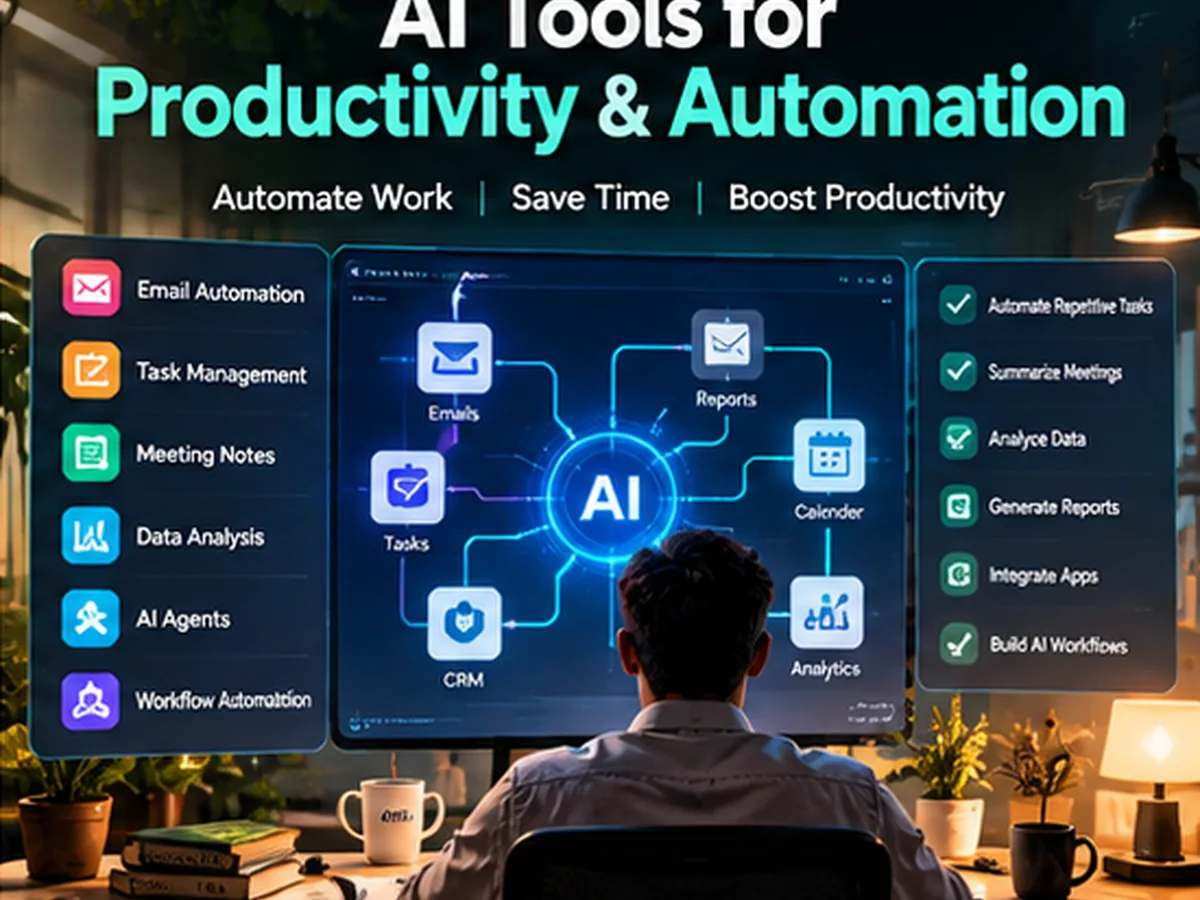
AI Tools for Productivity & Automation
AI productivity tools, agents and workflow automation.
AI productivity tools, agents and workflow automation
Productivity gains come from repeatable workflows, not isolated prompts. The strongest
automation tools connect AI with email, calendars, databases, CRMs and APIs so a useful
task can run consistently.
1
Notion AI
AI inside Notion for writing, summarization, database assistance and knowledge work. It is most useful when your notes, project docs and team knowledge already live in Notion.
Free-access note: AI availability depends on Notion's current plan structure; some features can be included or limited by workspace plan.
2
Zapier AI
Automation tooling that connects apps and increasingly uses AI to create, route and transform workflow steps. It is ideal for business users who want integrations without building custom backend code.
Free-access note: A free automation tier is available with task limits; advanced AI actions and higher volumes may require paid plans.
3
Make
A visual automation platform for connecting APIs and apps through scenarios. AI modules can be combined with databases, forms, email and business systems for sophisticated no-code workflows.
Free-access note: The free plan supports limited operations; heavier automation and team features are paid.
4
n8n
An automation platform popular with technical teams because it can be self-hosted and extended with code. It is well suited to agent workflows, API orchestration and internal AI automation.
Free-access note: The self-hosted community edition can be free; hosted cloud plans are paid.
5
Motion
A productivity app that uses automation to schedule tasks and calendar time. It is designed for people who want their daily plan reorganized automatically as priorities change.
Free-access note: Motion is primarily a paid productivity product; trial access may be available.
6
Reclaim
A smart scheduling tool that automatically finds time for tasks, habits and meetings around calendar constraints. It is useful for protecting focus time in busy calendars.
Free-access note: A free individual tier has been offered, with team and advanced scheduling features on paid plans.
7
ClickUp Brain
AI features inside ClickUp for project summaries, writing, search and task assistance. It fits teams that want AI grounded in existing project and workspace context.
Free-access note: AI functionality is tied to ClickUp's plan structure and may be an add-on or included at certain tiers.
8
Slack AI
AI features that summarize channels, threads and workplace conversations inside Slack. It is valuable when the problem is information overload rather than document creation.
Free-access note: Availability depends on Slack plan and organization settings; it is not a universal free feature.
9
Airtable AI
AI capabilities inside Airtable for extracting, classifying, generating and summarizing data in structured workflows. It is useful when teams want AI to operate directly on records and business processes.
Free-access note: AI credits and availability are tied to Airtable plans; free workspace access may have restricted AI usage.
10
Lindy
An AI automation and agent platform aimed at business workflows such as email, scheduling, support and operations. It is useful for experimenting with agent-style automation without building everything from scratch.
Free-access note: Free or trial allowances may be available, but sustained agent execution generally has usage-based limits.
Category 8
AI Tools for Marketing & SEO
AI marketing, SEO, social and campaign tools.
AI can speed up research, briefs and campaign production, but SEO still depends on
helpful content, trustworthy information, technical quality and user intent. Use
these tools to support editorial judgment rather than mass-produce near-duplicate pages.
1
Semrush AI
AI features across the Semrush ecosystem can assist with keyword research, content planning and marketing analysis. It is best for teams already using Semrush data rather than those seeking a standalone writing bot.
Free-access note: Semrush is primarily paid; some free SEO tools and limited account access exist.
2
Ahrefs AI Content Helper
AI-assisted content workflows connected to Ahrefs' search and competitor data. It can help writers understand topic coverage and search intent without relying only on generic AI suggestions.
Free-access note: Ahrefs is mainly a paid SEO platform, so free access to advanced AI features should not be assumed.
3
Surfer
An SEO content optimization platform that compares pages against search-result patterns and helps structure drafts around topical coverage. It is useful for editorial teams that want a repeatable optimization process.
Free-access note: Surfer is a paid product; trials and promotions can change.
4
Frase
A content research and optimization tool that helps create briefs, analyze SERPs and draft search-focused content. It is useful for small SEO teams trying to combine research and writing in one workflow.
Free-access note: Free availability varies; professional usage generally requires a subscription.
5
HubSpot AI
AI features across HubSpot support marketing, sales and customer workflows, including content, CRM assistance and campaign tasks. It is most valuable when HubSpot is already your system of record.
Free-access note: Some AI features may be included in free CRM access, while advanced automation depends on paid HubSpot hubs.
6
Mailchimp AI
AI-assisted email marketing features for copy, segmentation ideas and campaign optimization inside Mailchimp. It is useful for small businesses already managing lists and newsletters there.
Free-access note: Mailchimp has a free entry plan in some markets, but AI features and sending limits vary by plan.
7
Hootsuite OwlyWriter
A social-media writing assistant for generating captions, post ideas and variations within a publishing workflow. It suits teams managing multiple social channels and approval processes.
Free-access note: Hootsuite is primarily paid; OwlyWriter availability follows plan and trial conditions.
8
Buffer AI Assistant
AI support inside Buffer for drafting, repurposing and adapting social posts. It is a lightweight option for creators who already schedule content through Buffer.
Free-access note: Buffer offers a free plan with channel limits; AI availability may vary by feature and account.
9
AdCreative.ai
A platform focused on generating advertising creatives, copy variations and performance-oriented assets. It is aimed at marketers who need many ad versions quickly.
Free-access note: This is mainly a paid product, commonly with trial access rather than an unlimited free tier.
10
Predis.ai
An AI social-content tool that can generate posts, captions, creative variations and content ideas from prompts. It is useful for small brands that need frequent social output.
Free-access note: A limited free plan or trial may be available; branded exports and higher usage are typically paid.
Category 9
AI Tools for Presentations & Documents
AI presentation makers, slides and visual documents.
Presentation AI is best treated as a first-draft accelerator. Let the tool create
structure and visuals, then simplify slides, verify claims and add your own examples
so the deck does not look machine-generated.
1
Gamma
An AI presentation and document builder that turns prompts or outlines into polished, web-style decks. It is useful for fast concept pitches, explainers and internal presentations.
Free-access note: A free plan is generally available with generation credits; advanced branding and exports may require paid plans.
2
Beautiful.ai
A presentation platform with smart layout assistance that keeps slides visually consistent as content changes. It is suited to business users who want design guardrails.
Free-access note: Beautiful.ai is mainly paid and may provide trial access rather than a permanent free tier.
3
Tome
A storytelling and presentation tool that combines AI-assisted writing, layouts and visual blocks. It can be useful for narrative pitches and concept presentations that feel less like traditional slides.
Free-access note: Plan availability has changed over time, so check current access before depending on a free tier.
4
Pitch
A collaborative presentation platform with AI-assisted creation and strong team editing. It fits startups and product teams that need decks, templates and shared feedback.
Free-access note: A free plan is commonly available, with advanced workspace and AI features on paid tiers.
5
SlidesAI
A tool for turning text into slide drafts, commonly used inside Google Slides workflows. It is useful for quickly structuring educational or business content before manual polishing.
Free-access note: Limited free generations may be available; frequent use usually requires a paid plan.
6
Plus AI
An AI presentation assistant designed to work directly with Google Slides and PowerPoint. It can create, rewrite and restyle slides without moving the workflow to a separate presentation app.
Free-access note: Plus AI is primarily paid, with trials or limited evaluation access depending on current offers.
7
Napkin AI
A visual-communication tool that converts text ideas into diagrams and business visuals. It is useful when an article, report or presentation needs simple visual explanations rather than full slide generation.
Free-access note: Free or beta-style access may be offered; plan limits can change as the product matures.
8
Canva Presentations
Canva's slide tools combine templates, media and AI-assisted design in a familiar editor. It is a good fit for creators who want presentations and social graphics in one workspace.
Free-access note: The free tier is useful, while premium templates, assets and some AI features require paid access.
9
PowerPoint Copilot
Microsoft's AI assistance inside PowerPoint can help create slides from prompts or documents and rewrite presentation content. It is most useful in organizations already standardized on Microsoft 365.
Free-access note: Copilot access is generally tied to eligible Microsoft subscriptions rather than being a standalone free tool.
10
Google Slides with Gemini
Gemini features within Google Workspace can help draft, summarize and generate supporting content for presentations. It is convenient for teams already collaborating in Google Slides.
Free-access note: Availability depends on Workspace or Google AI plan; free consumer access may not include every presentation feature.
Category 10
AI Tools for Data & Analytics
AI data analysis, business intelligence and no-code machine learning.
AI lowers the barrier to exploring data, but business decisions still require clean
inputs and valid assumptions. Use natural-language analysis to accelerate questions,
then verify important calculations and model outputs before acting on them.
1
ChatGPT Data Analysis
ChatGPT can analyze spreadsheets, CSV files and uploaded datasets, generate charts and explain patterns using natural language. It is useful for exploratory analysis when you want rapid questions and iterations.
Free-access note: Data-analysis capabilities and file limits depend on the ChatGPT plan and model available.
2
Julius AI
A conversational data-analysis tool for spreadsheets and tabular data. It is aimed at users who want charts, transformations and explanations without writing every line of Python or SQL.
Free-access note: A limited free allowance may be available, with higher analysis volume on paid plans.
3
DataRobot
An enterprise AI and machine-learning platform for building, deploying and monitoring predictive models. It is designed for organizations that need governance, automation and production model management.
Free-access note: DataRobot is primarily enterprise software; free use is typically limited to trials, sandboxes or special programs.
4
H2O.ai
An open-source and enterprise machine-learning ecosystem with tools for automated modeling and scalable analytics. It appeals to technical data teams that want both open components and supported enterprise options.
Free-access note: Several H2O open-source projects are free; enterprise products and managed services are paid.
5
Akkio
A no-code AI platform for business analytics and predictive modeling. It is aimed at teams that want to work with business data and forecasting without maintaining a traditional ML stack.
Free-access note: Trial or limited access may exist, while ongoing production features are generally subscription-based.
6
Obviously AI
A no-code predictive analytics tool for building models from structured business data. It is useful for teams testing forecasting or classification ideas without a dedicated data-science team.
Free-access note: The product is mainly paid, with demos or trial access depending on current plans.
7
Polymer
A data exploration and dashboard tool that uses AI to help users understand spreadsheets and datasets visually. It can be a fit for marketers and operators who need quick dashboards without building a BI stack.
Free-access note: Free or trial access may be offered; larger data and collaboration features can be paid.
8
ThoughtSpot
A search- and AI-driven business intelligence platform that lets users ask questions of governed company data. It is designed for enterprise analytics where natural-language access must still respect data models and permissions.
Free-access note: ThoughtSpot is primarily a paid business product, often evaluated through demos or trials.
9
Power BI Copilot
Microsoft's AI assistance for Power BI can help create summaries, queries and report experiences around organizational data. It is most relevant to companies already invested in Microsoft's analytics stack.
Free-access note: Copilot features depend on eligible Microsoft/Fabric capacity and licensing, not a generic free consumer tier.
10
Tableau AI
AI features across Tableau support natural-language questions, insights and analytics workflows. It is useful for organizations that already publish governed Tableau dashboards and want easier exploration.
Free-access note: Advanced AI functionality follows Salesforce/Tableau licensing and is generally not a standalone free service.
Text rendering, editing, licensing, brand workflow
Automation
Zapier, Make, n8n, Airtable AI
Connectors, reliability, approvals, run cost
Data analysis
ChatGPT Data Analysis, Julius, Power BI, Tableau
Data governance, repeatability, calculation checks
What Will Matter More for AI Tools in 2027?
The biggest shift is likely to be from isolated generation to
agentic workflows. Users will increasingly judge AI products by
whether they can complete a multi-step task safely: read the right context, use tools,
ask for approval when needed, recover from errors and produce an auditable result.
That is more useful than simply generating a clever paragraph.
Multimodal workflows will also become normal. The strongest products increasingly
combine text, images, audio, video, code and structured data rather than treating each
format as a separate app. For creators and small businesses, this means fewer handoffs
between tools; for enterprises, it raises new questions about permissions, data
retention and governance.
Finally, model quality alone will not decide the winners. Integration, latency,
reliability, cost control and the amount of human review required can matter more than
benchmark scores. A slightly weaker model inside the right workflow can deliver more
business value than a powerful model that requires constant copy-paste.
Frequently Asked Questions About AI Tools in 2027
What are the best AI tools in 2027?
There will not be one universal winner. For most users, a practical stack combines a general assistant, a specialist for coding or creative work, a research tool and an automation layer. The 100 tools above are organized by job so you can shortlist by workflow rather than popularity.
Which AI tools are free in 2027?
Many products offer free tiers, limited credits or trials, but those limits change frequently. The safest approach is to verify the current pricing page before relying on a tool for a business or long-term project.
What are the top 10 free AI tools for coding?
The coding shortlist in this guide includes GitHub Copilot, Cursor, Claude Code, OpenAI Codex, Amazon Q Developer, Replit, Tabnine, JetBrains AI Assistant, Sourcegraph Cody and Continue. Their free-access terms differ, so compare quotas as well as capabilities.
What are the top 10 free AI tools for video editing?
The video shortlist includes CapCut, DaVinci Resolve, Descript, Runway, VEED, Adobe Premiere Pro, Canva, InVideo, Pictory and OpusClip. Several are freemium or trial-based rather than unlimited free products.
Can I use free AI tools for commercial work?
Sometimes, but free access does not automatically grant the same commercial rights across every service. Check licensing, generated-media rights, voice consent, stock-asset rules and data-handling terms for the specific tool.
How should I choose an AI tool for my business?
Start with one measurable workflow such as support triage, video clipping, code review or report generation. Compare output quality, review time, privacy, integration effort, cost at your expected volume and how easy it is to switch providers later.
Editorial methodology:
This article is a practical 2027 planning guide based on the AI-tool landscape
available in October 2026. Product plans change quickly. We deliberately avoid fixed
price claims and label free access cautiously. Before commercial use, verify the
provider's latest pricing, licensing, privacy and usage terms.