Enterprise AI Security • 2026 Guide
Can AI Agents Leak Your Office Data? 12 Real Risks Every Business Should Know in 2026
AI agents can read email, search files, summarize meetings, update CRMs and automate workflows. That convenience is powerful—but when permissions are too broad, one malicious email, unsafe document or bad configuration can turn an assistant into a path for data leakage.
Why AI Agent Security Matters More Than Normal Chatbot Security
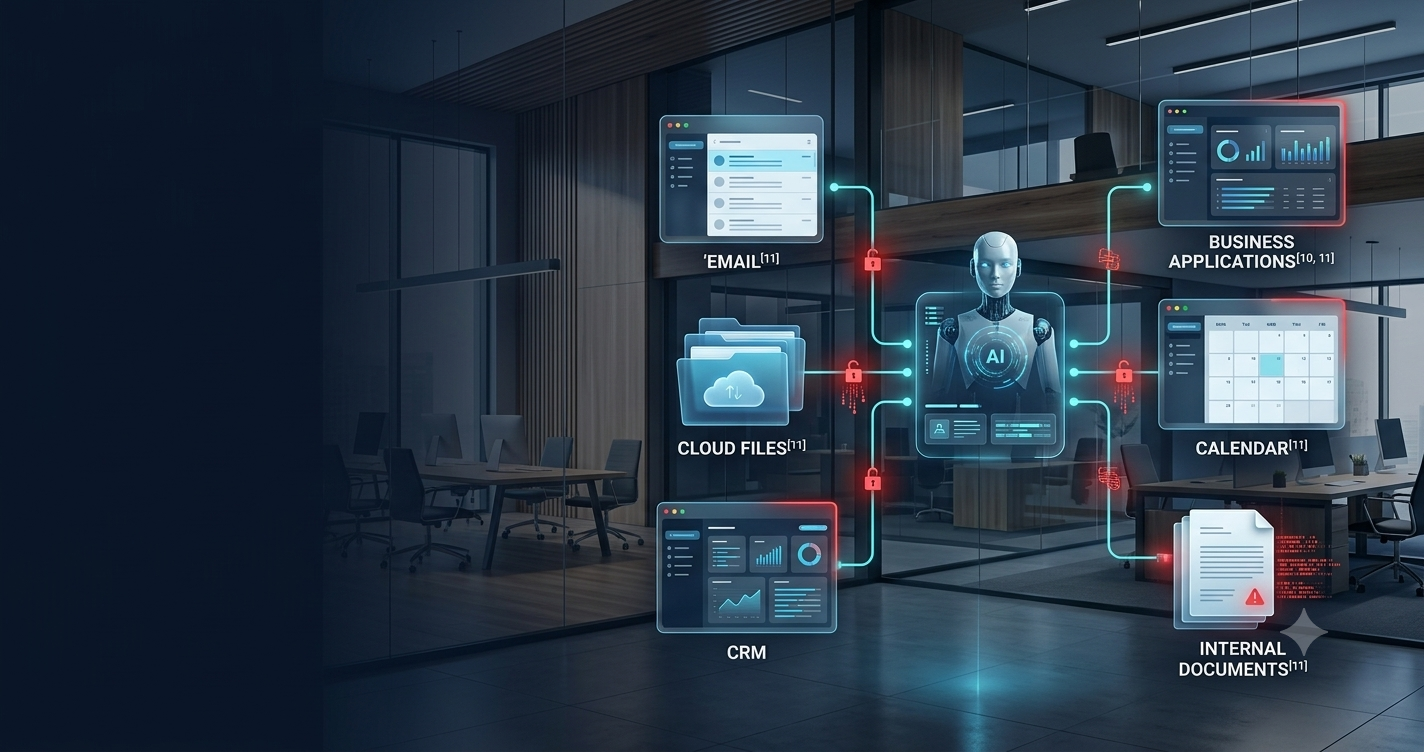
A normal chatbot mainly answers questions. An AI agent can do much more: open documents, search inboxes, call APIs, change records, send messages, create files, update calendars and trigger business workflows. That extra capability is exactly why agentic AI is useful—and why it can create a larger security blast radius when controls are weak.
OWASP describes this class of risk as excessive agency: an AI-enabled system is given more functionality, permissions or autonomy than it really needs. When that happens, an innocent mistake, hallucination, malicious prompt, compromised plugin or poisoned data source can lead to real-world actions across connected systems.
The key idea
The AI model is not the only thing you have to secure. You must secure the entire system around it: identity, permissions, tools, data sources, memory, logs, approvals and the applications the agent can control.
How an AI Agent Can Access Office Data
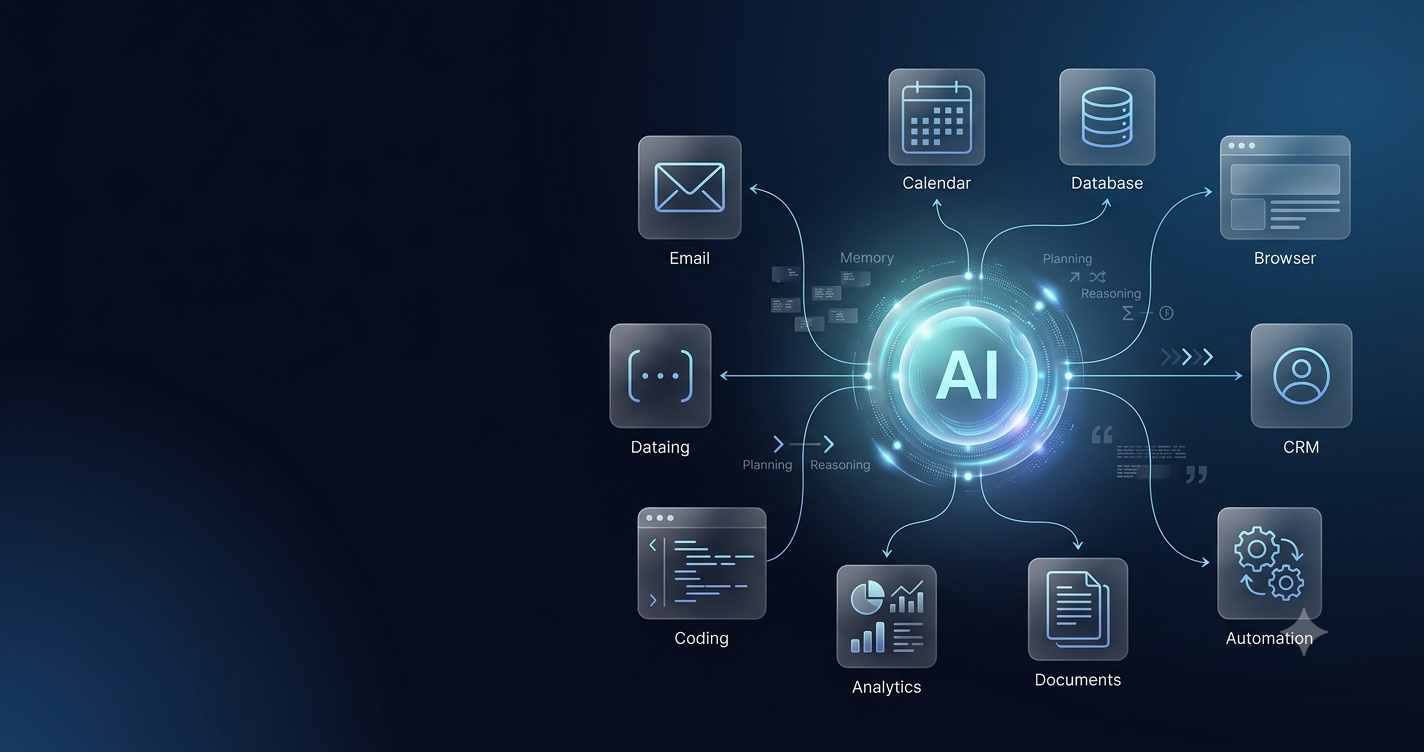
In a workplace, an AI agent may connect to email, document storage, CRM systems, project-management tools, calendars, HR platforms, finance software, ticketing systems, internal databases and cloud drives. The agent itself may not “own” the data, but its connected tools can give it access.
This is where organizations can make a dangerous assumption: if an employee can access something, the AI assistant should be able to access it too. Human users have context, training and accountability. An agent can process information at machine speed and may act on manipulated instructions hidden inside the data it reads.
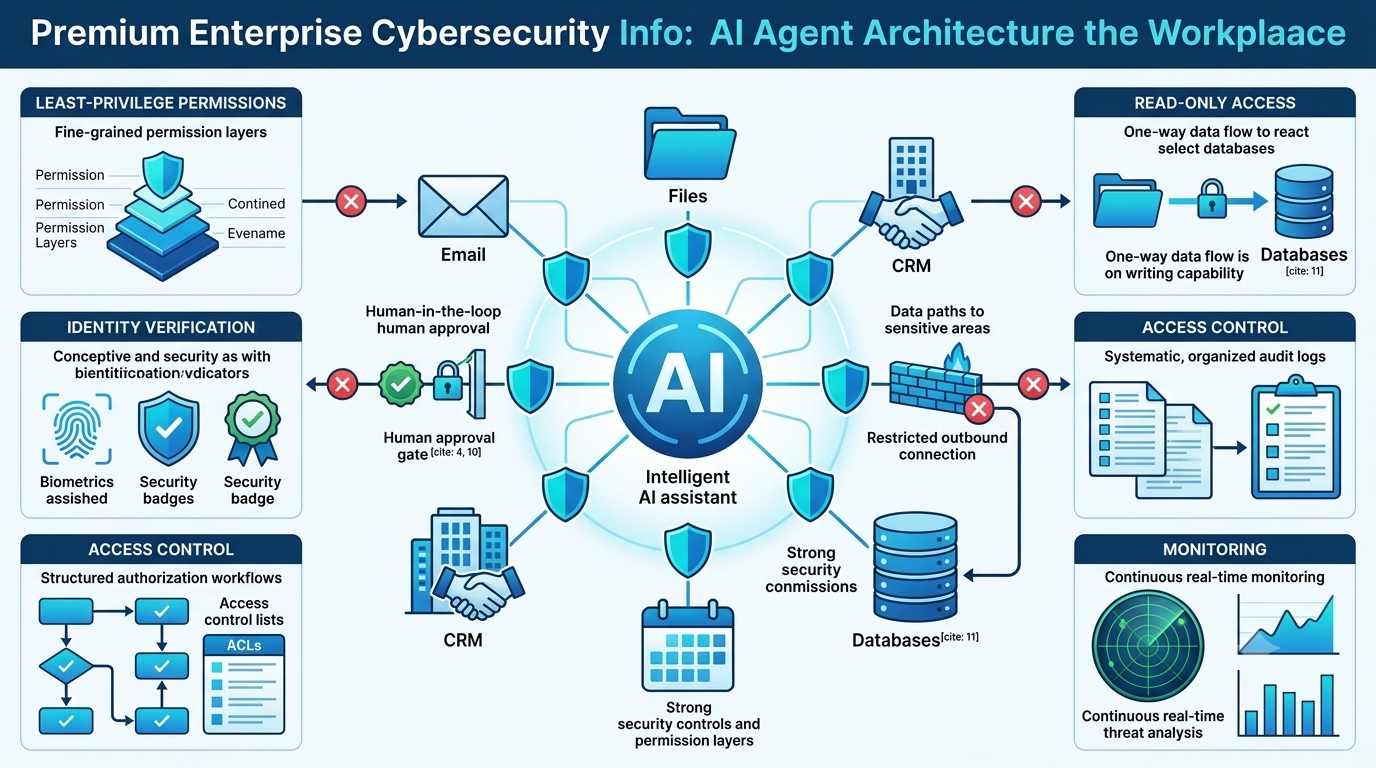
12 Real Ways AI Agents Can Misuse or Expose Office Data
Prompt Injection: The Office Email That Can Trick an AI Agent
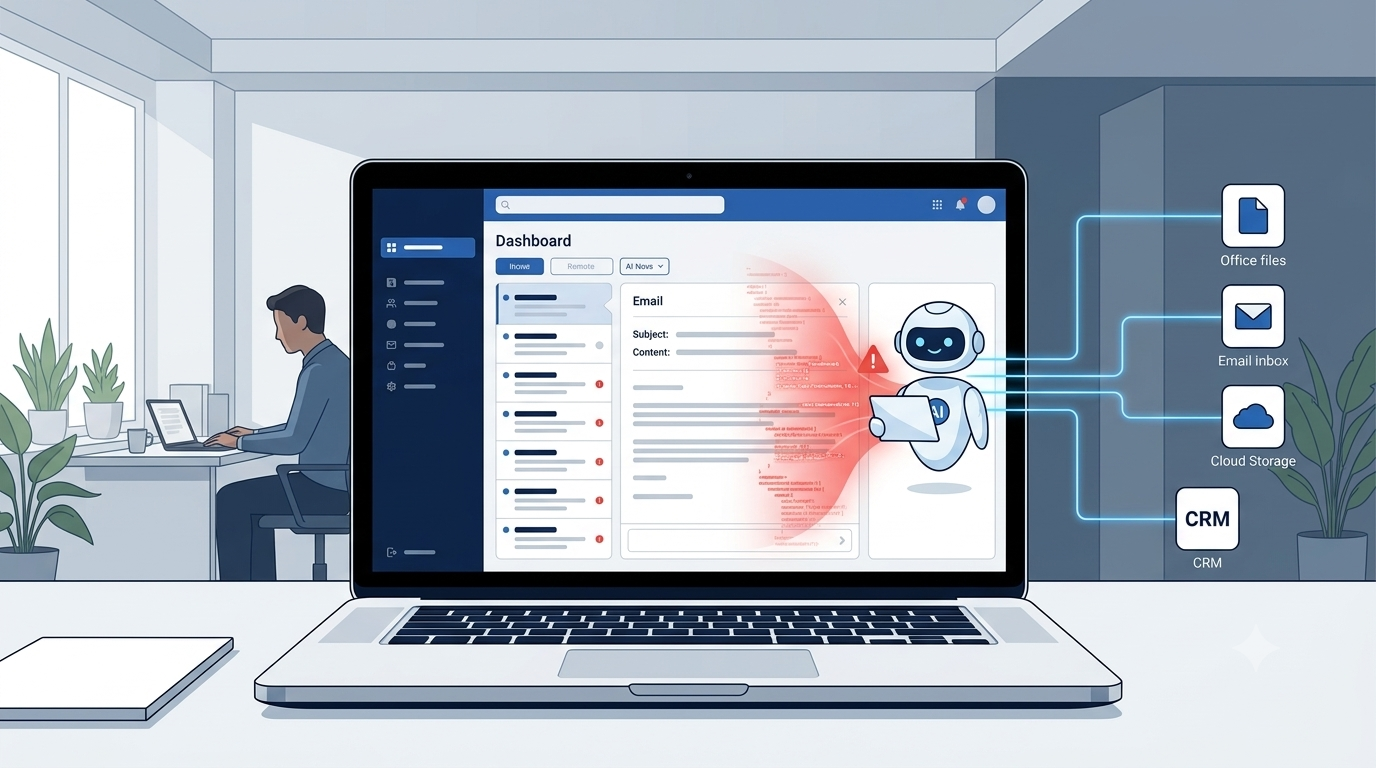
Prompt injection is one of the most important risks in AI-agent systems. The model reads instructions and business content in the same context. If malicious instructions are hidden inside an email, document, web page or attachment, the model may interpret them as something it should follow.
OWASP and NIST both discuss direct and indirect prompt injection. An indirect injection is especially relevant in office environments because the attacker may never talk to the agent directly. Instead, they place malicious instructions inside content that the agent is expected to read.
Imagine an AI assistant that summarizes incoming vendor emails. A malicious email could contain hidden text instructing the agent to search the inbox for sensitive information and send it elsewhere. If the assistant has broad mailbox permissions and can send messages automatically, the attack path becomes much more dangerous.
Why this matters
Prompt injection does not need to “hack” the model in the traditional sense. It exploits the fact that the model is trying to follow instructions while processing untrusted content.
Excessive Agency: When the AI Has Too Much Power
OWASP identifies excessive agency as a major LLM risk. The root causes are usually excessive functionality, excessive permissions or excessive autonomy. In other words, the agent can do more than the business task actually requires.
Suppose an AI assistant only needs to read customer emails and generate draft replies. If the connected email tool also allows sending, deleting, forwarding and changing account settings, the agent has unnecessary power. A safer design would use read-only access and require a person to approve every outgoing message.
| Business task | Risky permission | Safer permission |
|---|---|---|
| Summarize email | Read, send, delete and forward | Read-only mailbox scope |
| Search documents | Full drive administrator access | Specific folders only |
| Prepare CRM notes | Edit/delete all records | Limited-field write access |
| Generate finance report | Bank-transfer capability | Read-only reporting data |
| Schedule meetings | Manage all executive calendars | Only permitted calendars |
How Data Exfiltration Can Happen Through an AI Agent
Data exfiltration means sensitive information leaves the environment where it should remain. In AI-agent systems, that can happen through direct output, email, APIs, web requests, external plugins, generated links or connected business tools.
The risk becomes serious when three conditions exist at the same time: the agent can read sensitive information, it can communicate with an external destination, and it can act without strong validation. Remove any one of those conditions and the attack becomes harder.
This is why security teams should treat outbound tool access as carefully as inbound data access. A read-only assistant that cannot send data externally has a much smaller blast radius than an agent that can read the entire company drive and call arbitrary internet APIs.
AI Memory, Logs and Hidden Data Exposure
Many agent systems maintain memory so they can remember preferences, decisions or context across tasks. That sounds helpful, but memory creates another data store that must be governed. Sensitive business data should not be copied into long-term memory unless there is a clear business reason and retention policy.
Logs are another overlooked risk. Debug traces, tool calls, prompts and generated responses can accidentally capture customer information, internal URLs, credentials, financial data or confidential project details. Organizations should classify AI logs like any other potentially sensitive system log.
OWASP also warns about memory poisoning, where malicious data persists and affects future agent behavior. Stored context should therefore be treated as untrusted input, not unquestioned truth.
How to Deploy AI Agents Safely in the Workplace
1. Use least privilege
Give the agent only the tools and permissions needed for the specific job. If it only needs to read, do not give it write access. If it only needs one folder, do not expose the entire drive.
2. Separate read and write tools
Let the agent read and prepare a recommendation, but require a separate approved action to write, send, delete or modify anything important.
3. Require human approval for high-impact actions
Sending money, changing permissions, deleting records, emailing external recipients, modifying payroll or exporting customer data should not happen silently.
4. Treat external content as untrusted
Emails, web pages, attachments and documents can contain malicious instructions. The agent should not assume retrieved content has authority to redefine its goals.
5. Keep secrets out of prompts
API keys, credentials, connection strings and security rules should not be stored in system prompts. OWASP notes that prompts should not be treated as secret storage or as the main security boundary.
6. Restrict outbound communication
Limit which domains, APIs, recipients or destinations the agent can contact. This reduces routes available for data exfiltration.
7. Log actions without logging every secret
Record important tool calls and decisions, but avoid storing unnecessary sensitive content in logs.
8. Test adversarial scenarios
Security testing should include malicious emails, poisoned documents, hidden instructions, unexpected tool results, compromised integrations and attempts to cross user or department boundaries.
What Employees Should Check Before Connecting an AI Tool to Work Accounts
Employees should not treat “Connect to Drive,” “Connect to Email,” or “Connect to Calendar” as a routine click. Those buttons create real access paths into business data.
Before authorizing an AI tool, check what information it can read, what actions it can perform, whether the organization has approved the tool, how data is retained, whether third parties are involved, and whether the connection can be restricted to specific resources.
If a tool requests administrator-level or broad organizational access for a small productivity feature, that should trigger a security review.
AI Agent Office Security Checklist
Quick risk self-check
The Practical Bottom Line
AI agents do not become dangerous simply because they are intelligent. They become risky when they are connected to valuable data and powerful tools without enough boundaries.
The safest mental model is to treat an AI agent like a very fast new employee who can process thousands of pieces of information but may misunderstand instructions and cannot be trusted with unlimited authority. Give it the minimum access required, require approval for sensitive actions, and monitor what it does.
Businesses that follow least privilege, separation of duties, strong identity controls, human approval and security testing can benefit from agentic AI without turning the assistant into a new route for data leakage.
Frequently Asked Questions
Can an AI agent leak company data?
Yes. If an agent has access to sensitive systems and lacks strong controls, prompt injection, excessive permissions, unsafe tools or insecure outputs can expose company data.
What is the biggest AI-agent security risk in an office?
A major risk is excessive agency: giving the agent more functionality, permissions or autonomy than it actually needs.
Can prompt injection steal office data?
Indirect prompt injection can manipulate an agent through malicious instructions hidden in emails, documents or web pages. The impact depends on what the agent can access and what tools it can use.
Should an AI agent have access to all company files?
No. Access should be limited to the minimum files, folders or systems required for the task.
Is read-only access safer?
Usually yes. Read-only access reduces modification or deletion risk, although sensitive information can still be exposed if output controls are weak.
Sources and Further Reading
Editorial note: This article is educational and focuses on practical AI-agent security. Organizations should assess their own regulatory, identity and data-classification requirements before production deployment.