Google Gemini Agent for Work Explained: Can It Replace Daily Office Tasks?
Google Cloud introduced the Gemini agent as a universal agent for work. See what it can do across office tools, business systems, coding, data and enterprise workflows.
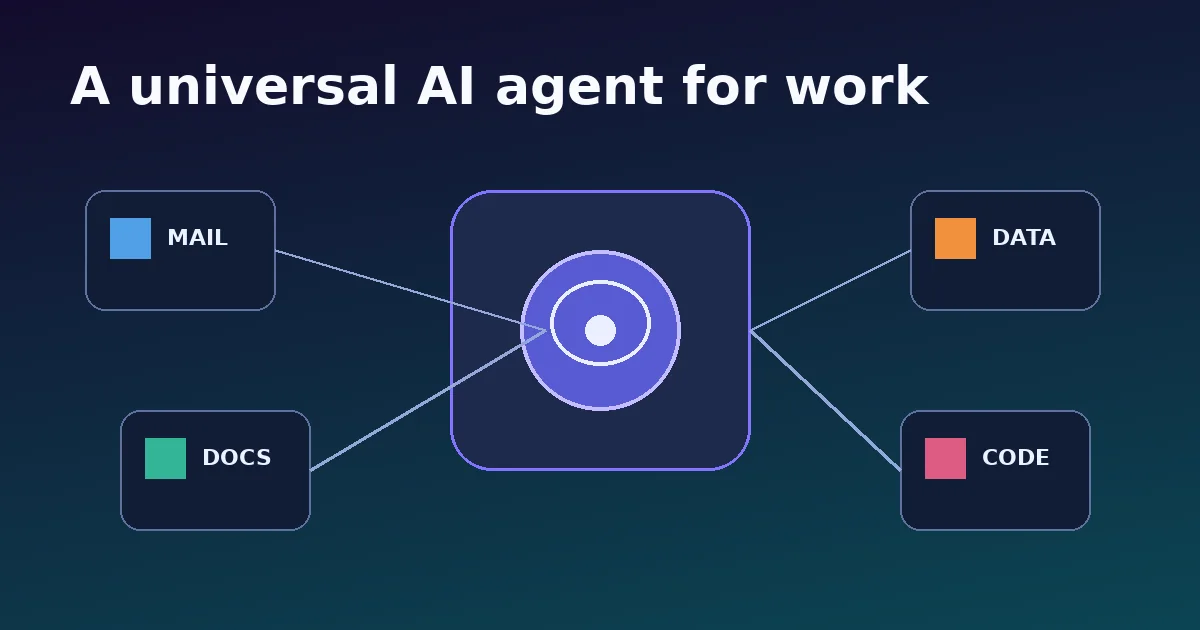
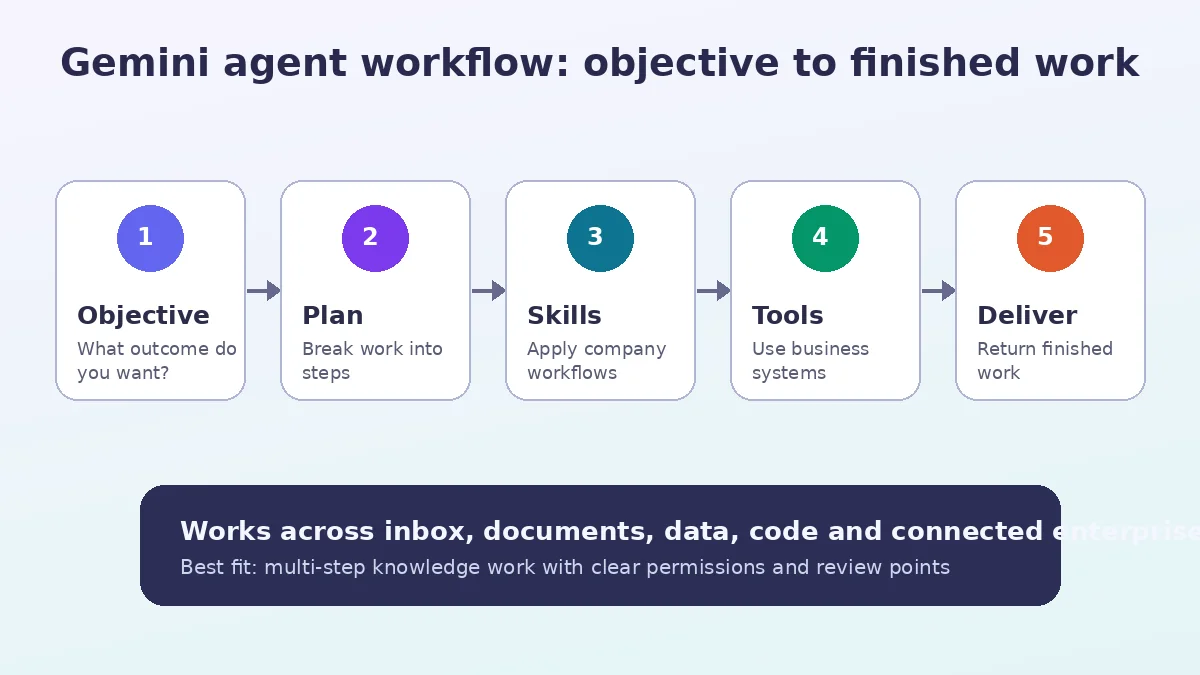
On October 8, 2026, Google Cloud introduced the Gemini agent as a single, universal agent for work. The idea is broader than a chatbot in a sidebar. Google describes an agent that can answer questions, handle knowledge work, create media, write and run code, plan tasks, use skills and tools, connect to business systems and return finished work.
This article focuses on what changed, why it matters, the practical implications and the limits that are easy to miss in launch headlines.
What Google announced
On October 8, 2026, Google Cloud introduced the Gemini agent as a single, universal agent for work. The idea is broader than a chatbot in a sidebar. Google describes an agent that can answer questions, handle knowledge work, create media, write and run code, plan tasks, use skills and tools, connect to business systems and return finished work.
Google’s framing is important: users give the system an objective rather than a long sequence of instructions. The agent can then plan the work, use available tools and context, and act inside the documents, inboxes and developer environments where people already work.
This is a step toward agentic office software. Instead of opening five applications and moving information manually, the worker can delegate an outcome and review the result.
Where the Gemini agent can work
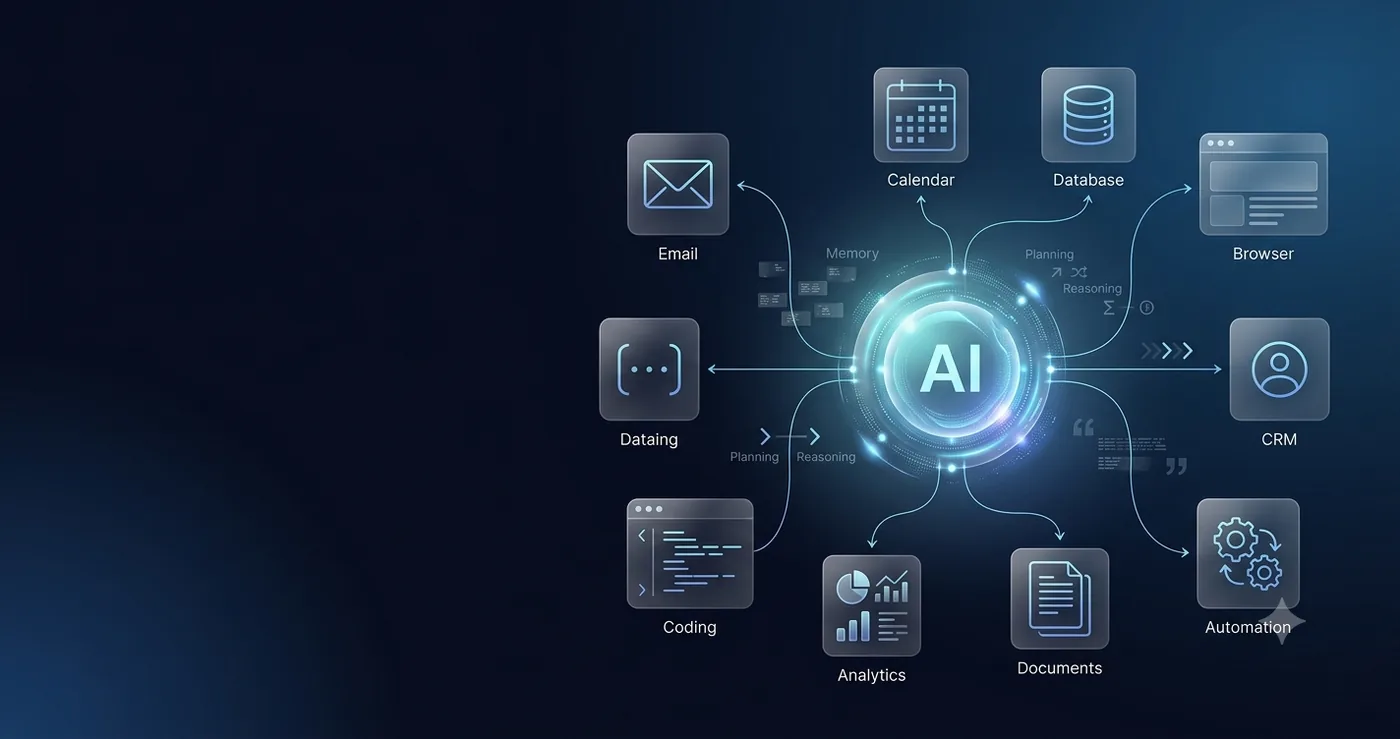
Google says the agent can operate inline across Workspace products such as Gmail, Drive, Docs, Slides, Sheets, Chat and Calendar while carrying the same memory, skills and controls. That is significant because office work is rarely contained in a single app.
The agent can also connect to external systems. Google lists collaboration platforms such as Confluence, Microsoft Office, Teams and Slack; development tools such as Git and Jira; enterprise systems such as Salesforce and ServiceNow; data platforms including BigQuery, Databricks, Postgres and Snowflake; desktop files; and Model Context Protocol servers.
The strategic advantage is context. If the system knows company terminology, product information, department norms and approved workflows, it can do more than a general-purpose public chatbot.
Can it replace daily office tasks?
It can replace parts of many repetitive workflows, but ‘replace office work’ is too broad. Some tasks are ideal for delegation: preparing a meeting brief from internal documents, summarizing a long email thread, drafting a status report, collecting project updates, cleaning spreadsheet data, preparing a first-pass analysis or implementing a clearly scoped code change.
Other tasks depend on human judgment, accountability, negotiation, relationship context or sensitive decision-making. A universal agent can accelerate preparation and execution without automatically becoming the person responsible for the outcome.
The better question is: which parts of a job are repetitive, measurable and reversible? Those are the best candidates for agentic automation.
How skills, tools and context fit together
Google describes three building blocks. Tools connect the agent to systems. Skills are reusable instructions or workflows that teach the agent how a company performs multi-step work. Context gives the agent the information and memory needed to understand the organization.
This is more powerful than a one-off prompt because the company can encode a repeatable process. For example, a sales-review skill could specify which systems to inspect, which metrics to calculate, which format to use and when the draft must be routed for approval.
That also creates a governance challenge: the more systems an agent can touch, the more carefully permissions need to be designed.
The security and governance model
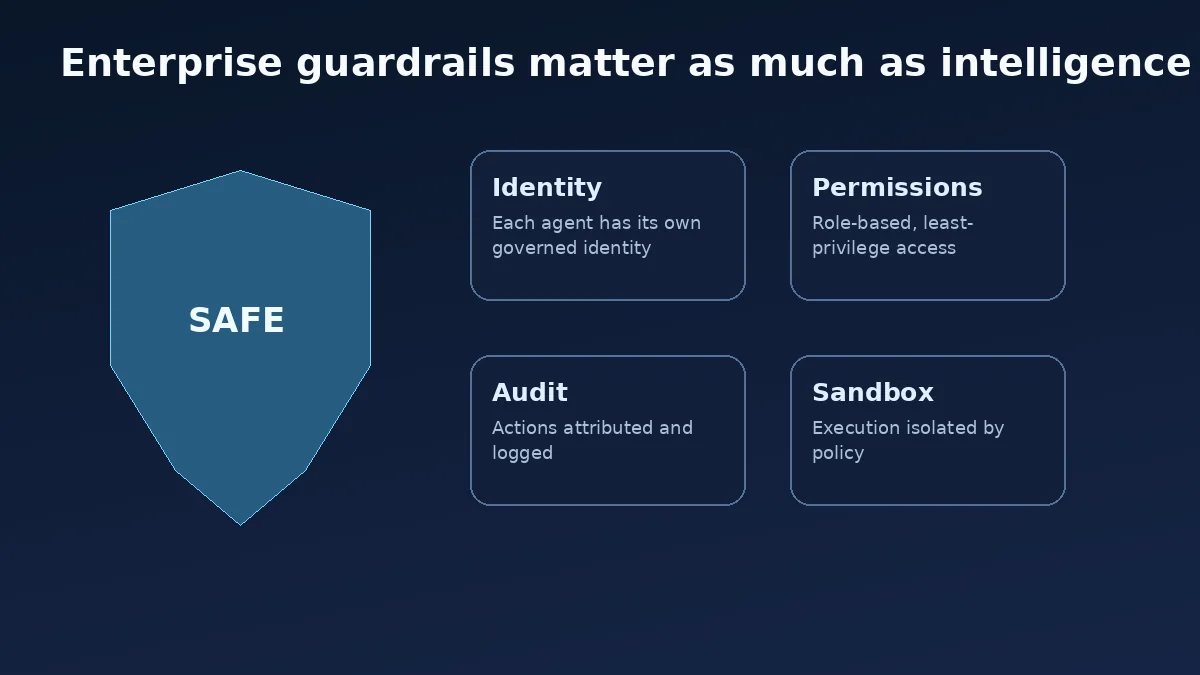
Google’s enterprise announcement emphasizes agent identity, fine-grained authorization, audit trails, sandboxing and network policy. Each agent can have its own identity rather than borrowing a human user’s credentials. Permissions can be role-based and mapped to external systems through standards such as OAuth.
Actions are logged so organizations can see what the agent did. Google also describes an Agent Sandbox and Agent Gateway that enforce policy and network boundaries. These controls matter because an AI agent that can only draft text has a very different risk profile from one that can edit records, run code or change business systems.
For companies evaluating agents, governance should be tested in the pilot—not added after deployment.
Best office workflows to try first
Good starting points are meeting preparation, project status compilation, document comparison, inbox triage, spreadsheet cleanup, research summaries, CRM note preparation, support knowledge drafting and recurring report generation.
Start with ‘read and draft’ workflows before ‘write and execute’ workflows. Let the agent gather information and prepare the next action, then require human approval. Once the team understands its failure modes, expand authority gradually.
Small businesses can use the same principle. A universal agent is most useful when it removes coordination overhead across tools, not when it creates more notifications and summaries.
What this means for knowledge workers
The immediate change is that prompt windows become a control surface for work. Instead of asking AI to rewrite one paragraph, workers can delegate a multi-step result. That raises the importance of goal definition, review and workflow design.
People who understand the business process will remain valuable because the agent needs clear outcomes, data boundaries, quality criteria and escalation rules. The skill shifts from manually performing every step to designing, supervising and improving the workflow.
Teams should also measure whether automation really saves time. If a worker spends longer checking the agent than completing the task directly, the workflow needs redesign.
Bottom line
The Gemini agent is one of the clearest signs that office AI is moving from assistance to delegation. It is designed to operate across knowledge work, data, content and code while staying connected to enterprise controls.
It will not make every office role disappear. It can, however, compress many repetitive multi-app workflows into one delegated objective. For businesses, the competitive question is not whether to use an agent everywhere, but where a well-governed agent can remove the most friction.
Should This Office Task Be Delegated to an Agent?
Low-risk, repetitive and reversible tasks are usually better first candidates than sensitive decisions.
Frequently Asked Questions
What is the Google Gemini agent for work?
Google Cloud describes it as a universal agent that can answer questions, perform knowledge work, create media, write and run code, use tools and connect to business systems.
Does the Gemini agent work with Gmail and Docs?
Google says Gemini works inline across Workspace products including Gmail, Drive, Docs, Slides, Sheets, Chat and Calendar.
Can Gemini replace office workers?
It can automate parts of many roles, especially repetitive multi-step tasks. Human judgment, accountability and exception handling remain important.
How does Google secure enterprise agents?
Google describes agent identity, fine-grained permissions, audit trails, sandboxing and an Agent Gateway for policy enforcement.
Primary Sources
- Google Cloud — Welcome to Gemini at Work 2026
- Google — Google Cloud introduces the Gemini agent
- Google Cloud — Empowering SMBs to do more with Gemini