GPT-6.1 Sol Ultrafast Explained: Speed, Pricing, Use Cases & Who Should Use It
OpenAI added Ultrafast mode to GPT-6.1 Sol. Here is how it works, what it costs, where it fits, and when developers should choose Standard, Fast or Ultrafast.
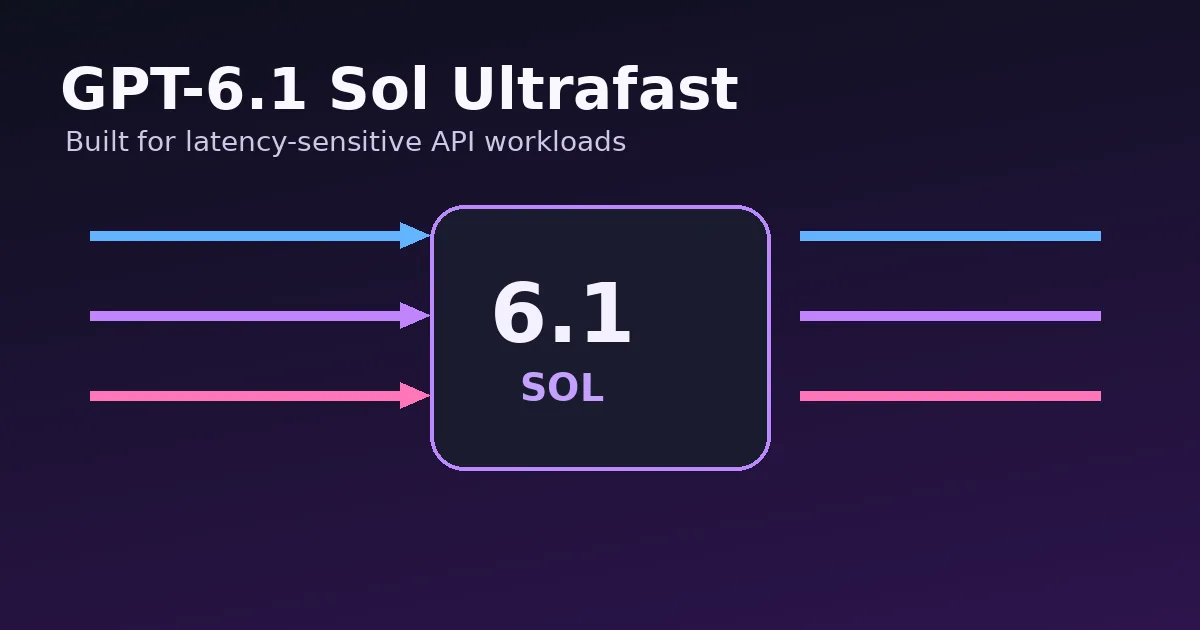
OpenAI added Ultrafast mode for GPT-6.1 Sol in the Responses API on October 8, 2026. The setting uses the same GPT-6.1 Sol model with a faster service tier designed to reduce the time between generated output tokens.
This article focuses on what changed, why it matters, the practical implications and the limits that are easy to miss in launch headlines.
What changed on October 8, 2026
OpenAI added Ultrafast mode for GPT-6.1 Sol in the Responses API on October 8, 2026. The setting uses the same GPT-6.1 Sol model with a faster service tier designed to reduce the time between generated output tokens.
Developers enable it by using the model name gpt-6.1-sol and setting service_tier to ultrafast in a Responses API request. OpenAI describes Ultrafast as its fastest API service tier for latency-sensitive work.
This matters most for interactive products where every pause is visible to the user: coding agents, research agents, voice-adjacent text experiences, long streaming answers and multi-tool workflows that perform many sequential model turns.
GPT-6.1 Sol at a glance
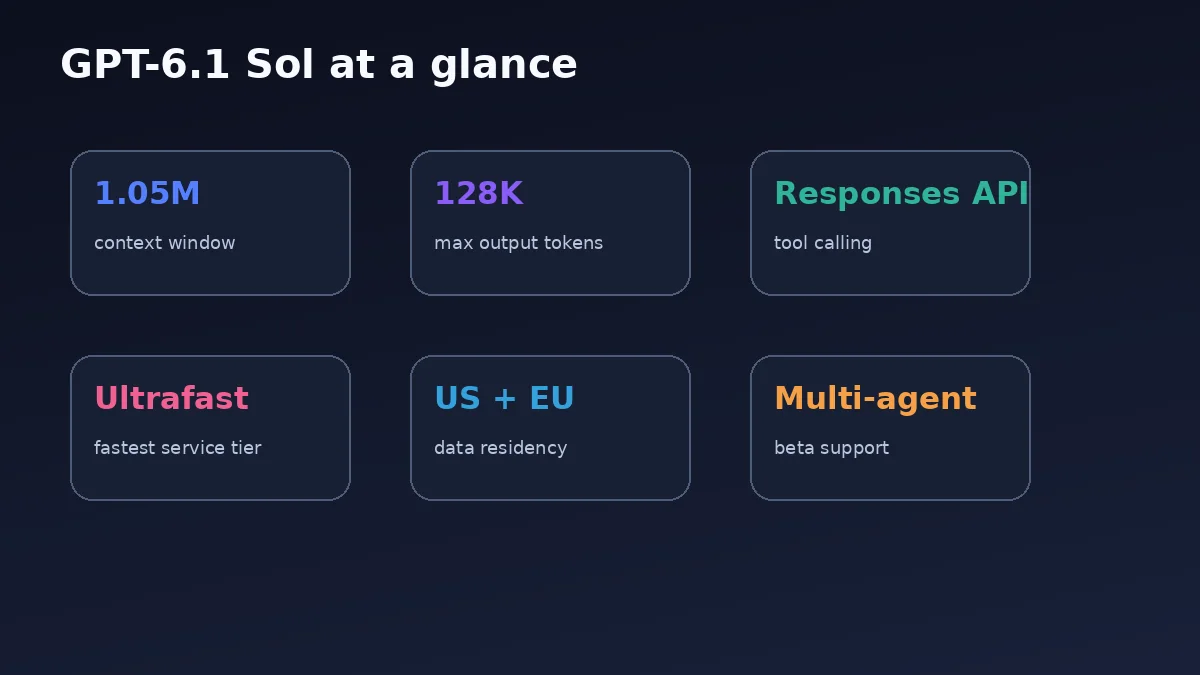
GPT-6.1 Sol is positioned as a lower-cost model with near-Astra performance for complex coding, computer use and professional work. The official model page lists a 1,050,000-token context window and up to 128,000 output tokens.
It supports reasoning effort values from low through max, with medium as the default. The Responses API is the recommended route for tool calling. Chat Completions is available, but the model page states that tool calling should use Responses.
OpenAI also lists US and EU data residency for GPT-6.1 Sol, including Fast and Ultrafast modes. Multi-agent support is available in beta, which makes latency especially relevant when a parent workflow delegates to several subagents.
Standard vs Fast vs Ultrafast
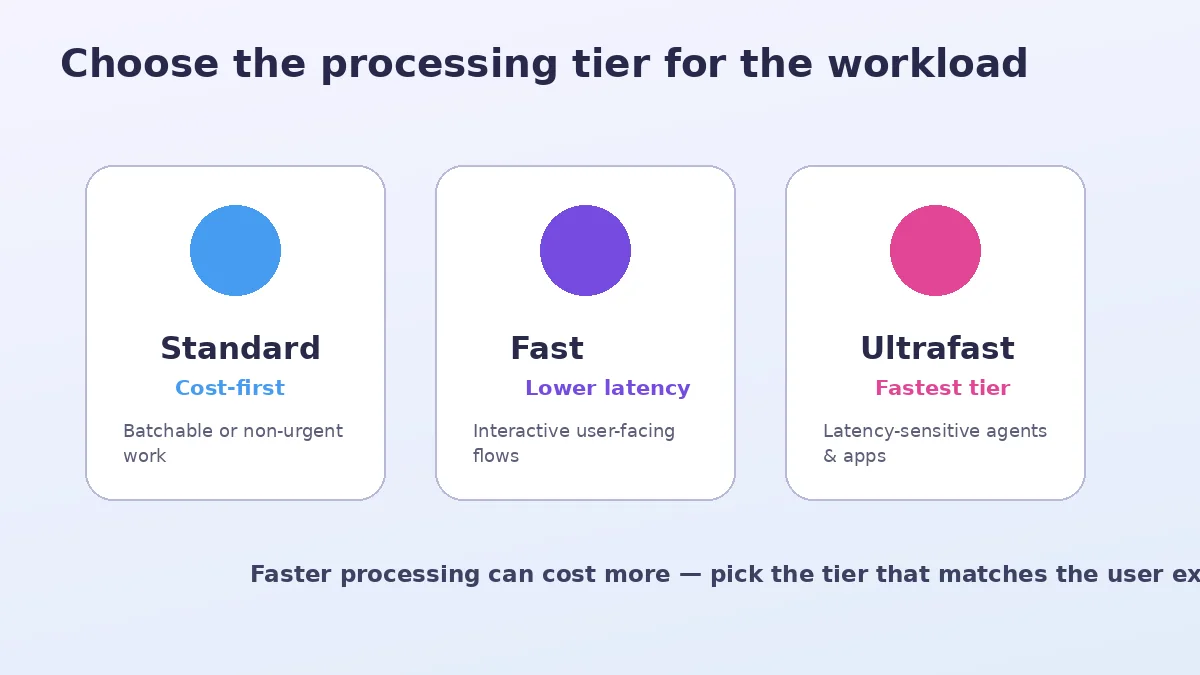
Standard is the baseline choice when cost efficiency matters and the user can tolerate normal latency. Fast is a middle tier for interactive workloads that need more consistent lower latency. Ultrafast is the premium tier when speed is directly tied to user experience or task throughput.
Ultrafast is not automatically the correct choice for every application. A nightly batch report gains little from faster token delivery. A customer-facing agent that makes several model calls in one task can benefit much more because latency compounds across the chain.
OpenAI recommends WebSockets for agentic applications that make many tool calls in quick succession, because persistent connections can reduce network overhead that would otherwise eat into the latency benefit.
GPT-6.1 Sol pricing and the speed premium
The model page lists standard short-context pricing of $2 per million input tokens, $0.10 per million cached input tokens, $2.50 per million cache-write tokens and $10 per million output tokens. OpenAI states that Ultrafast mode is priced at six times Standard.
That means developers should evaluate end-to-end task economics, not just tokens. If a faster result improves conversion, reduces abandonment or increases the number of useful agent tasks completed per session, the higher processing price may be justified.
For long contexts above the documented threshold, pricing changes. Always check the live OpenAI pricing page before shipping a cost-sensitive product because model and service-tier pricing can change.
Who should use Ultrafast
Ultrafast makes the most sense for latency-sensitive applications: interactive coding agents, real-time research assistants, multi-step customer workflows, high-value professional tools and products where users actively wait for streamed output.
It is also useful for agentic systems that make multiple sequential calls. Saving time on one call may be modest, but saving time across a chain of planning, tool use, verification and final response can be more noticeable.
Teams should benchmark with their own prompts. Model quality may be the same model family, but application latency depends on network design, prompt size, tool calls, streaming behavior and the surrounding architecture.
Who should stay on Standard or Fast
Standard remains attractive for background processing, batch generation, offline analysis and workloads where latency does not affect user satisfaction. Fast can be a better compromise for regular interactive traffic when Ultrafast economics are too expensive.
Do not select Ultrafast simply because it is the fastest option. If the model spends most of its task waiting on a database, browser or third-party API, faster token generation may not be the main bottleneck.
Profile the whole request path. Measure time to first useful output, total task completion, tool latency and cost per successful task.
A practical benchmark plan
Create a representative test set of real user tasks. Run the same tasks on Standard, Fast and Ultrafast with the same model, prompt and tools. Capture median latency, p95 latency, token usage, tool-call time and task success.
Then calculate cost per successful task rather than cost per call. A cheaper tier that causes users to abandon the workflow can be more expensive in business terms. A premium tier that only saves milliseconds on an offline job is wasted budget.
For agents, test the full chain. Measure planning, every tool round trip, intermediate model calls and final response. This shows whether the service tier or the tool stack is the real bottleneck.
Bottom line
GPT-6.1 Sol Ultrafast is not a new model; it is a faster processing tier for a model OpenAI positions for complex coding and professional work. The value is straightforward: lower latency in exchange for a meaningful price premium.
Use it when speed is part of the product value. Stay on Standard or Fast when users are not waiting, and invest first in prompt, caching, tool and networking improvements if those are the real bottlenecks.
GPT-6.1 Sol Cost Estimator
Illustrative short-context token cost using the documented Standard prices and a 6× Ultrafast multiplier. Always check live pricing before production deployment.
Frequently Asked Questions
What is GPT-6.1 Sol Ultrafast?
It is GPT-6.1 Sol running on OpenAI's Ultrafast service tier in the Responses API, designed for the lowest latency.
How do I enable Ultrafast mode?
Use model gpt-6.1-sol with service_tier set to ultrafast in the Responses API.
How much does GPT-6.1 Sol Ultrafast cost?
OpenAI states Ultrafast pricing is six times Standard. Check the live pricing page for current token prices.
Who should use GPT-6.1 Sol Ultrafast?
Latency-sensitive interactive and agentic applications where faster output creates enough user or business value to justify the higher price.