How to Build an AI Agent Without Coding in 2026: A Practical No-Code Guide
A no-code AI agent still needs a clear workflow: trigger, context, decision, tool action, validation and stopping rule.
Read article →A practical, beginner-friendly guide to building your first AI agent: what an agent really is, what you can do for free, how to set one up inside ChatGPT, how to make one in Python, and how to keep it safe.
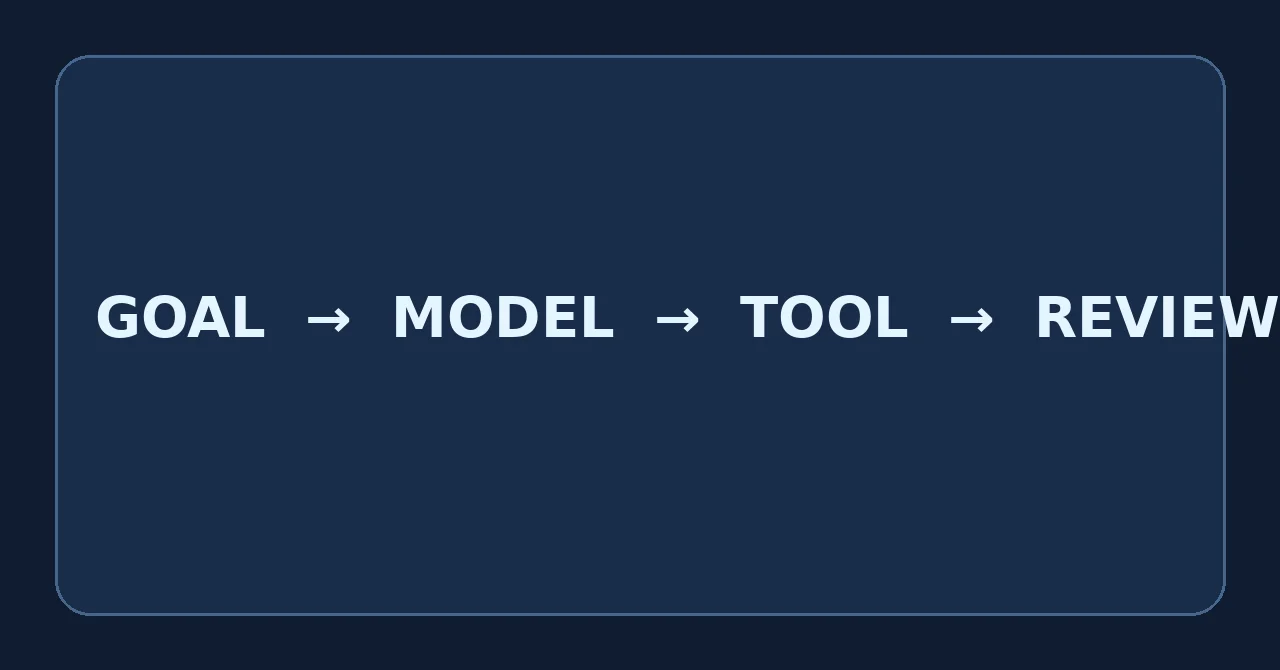
Quick answer: To build an AI agent with ChatGPT, (1) pick one narrow, measurable task, (2) write precise instructions, (3) decide which tools the agent may use, (4) test it on realistic examples, and (5) require human approval for anything risky. If you want no code, start with a detailed ChatGPT conversation, or ChatGPT agent mode on a paid plan. If you want something you can deploy, use the OpenAI Agents SDK in Python or TypeScript, or OpenAI's visual Agent Builder.
Most tutorials on this topic either stay at the level of "write a good prompt" or jump straight into complicated multi-agent frameworks. This guide sits in the middle. You will learn the concepts, try a no-code version, then build a small but real Python agent, and finish with the safety and evaluation habits that separate a toy from something you can trust.
One note before we start: AI products change quickly. Where this article mentions plans, limits or features, we point to the official OpenAI documentation so you can confirm the current state before you rely on it.
An AI agent is software that uses a language model, a set of instructions and a set of tools to pursue a goal over several steps. A normal chatbot answers a message and stops. An agent can look at the situation, decide what to do next, call a tool (such as a search, a calculator, a database or an API), read the result, and then decide whether to continue or finish.
OpenAI's own Agents SDK describes agents in simple terms: an agent is a model equipped with instructions and tools, and larger systems are built by letting agents hand work to other agents and by adding guardrails that validate inputs and outputs.
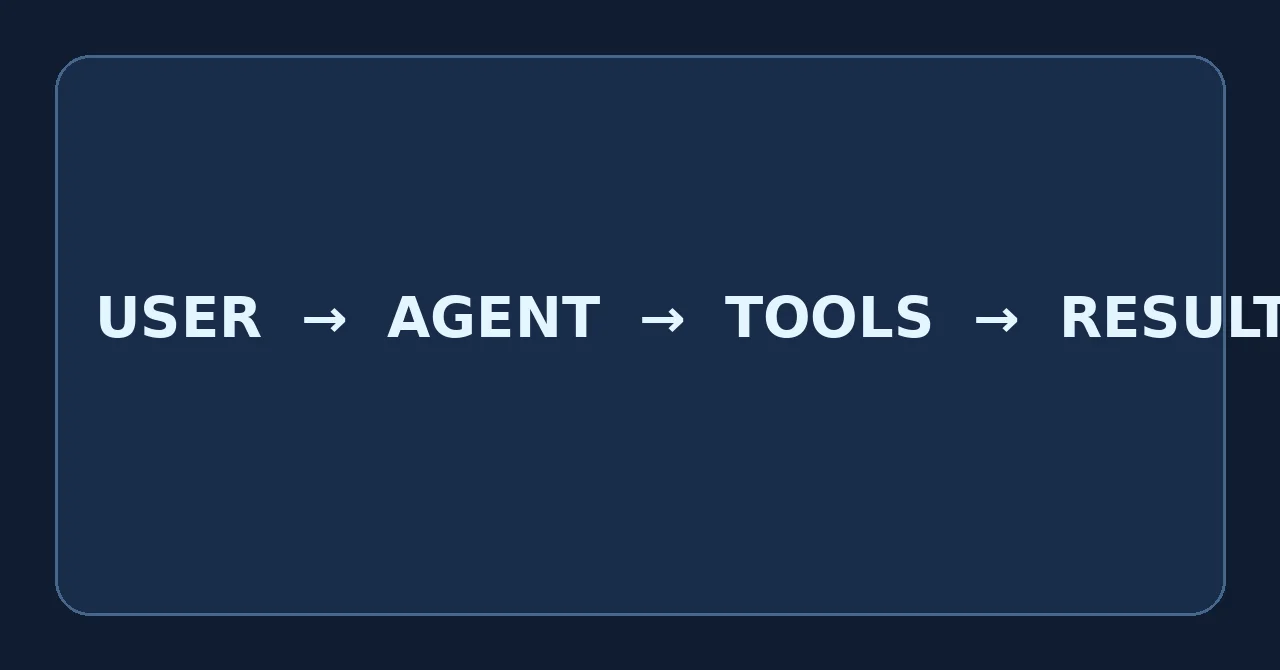
Behind the scenes, nearly every agent runs the same loop: observe the task and any previous results, decide the next action, act by calling a tool or writing an answer, then check the result. The loop repeats until the goal is met, a limit is reached, or a human needs to step in. Understanding this loop makes every framework easier to learn, because they are all variations of it.
"Build an AI agent with ChatGPT" can mean several different things. People use the phrase for everything from a clever prompt to a deployed application. Choosing the right route first saves a lot of time.
| Route | Coding needed | Best for | Main limitation |
|---|---|---|---|
| Prompt-based agent in a ChatGPT chat | No | Designing and testing your agent's logic, learning, personal workflows | Not autonomous; you stay in the loop |
| ChatGPT agent mode | No | Multi-step tasks using a browser, files and connected apps | Paid plans only, with monthly usage limits |
| Custom GPTs / plug-ins | No | Reusable assistants inside ChatGPT | Creation options are changing; check your account |
| Agent Builder (visual) | Little or none | Drag-and-drop workflows with guardrails and evaluation | API-based; usage is billed at API rates |
| OpenAI Agents SDK | Yes (Python or TypeScript) | Custom, deployable agents with your own tools | You manage hosting, security and monitoring |
If you are brand new, a good path is: prototype in a normal chat, then try agent mode or Agent Builder if you want to see actions happen, then move to the SDK when you need full control.
Partly, yes. Here is an honest breakdown of what "free" really covers.
openai-agents package itself is free to install and study.Be careful with "free AI agent" claims. Any page that promises a fully autonomous, free, unlimited agent is overselling. Free tools are excellent for learning and prototyping. Reliable automation that acts on your behalf nearly always involves paid compute somewhere.
These eight steps work whichever route you choose. Do them in order. Most failed agents skip steps 1, 2 and 7.
This is the no-code route. It is perfect for learning how an agent should behave before you write any code.
Open a new ChatGPT conversation and paste a structured prompt like the one below. Replace the bracketed parts with your own details.
ROLE
You are a meeting-notes agent for a small product team.

GOAL
Turn the raw notes I paste into a clear action list.

RULES
- Use only information that appears in the notes. Never invent owners or dates.
- If an owner or deadline is missing, write "Unassigned" or "No date".
- Do not send, publish or share anything. Draft only.

STEPS
1. Read the notes and list every decision and every action.
2. For each action, identify owner, deadline and priority.
3. Flag anything ambiguous and ask me one question about it.

OUTPUT FORMAT
A table with columns: Action | Owner | Deadline | Priority | Source line.
Then a short "Questions for you" list.

APPROVAL
Before you produce a final version, show me the draft and wait for my OK.
Now paste in some real notes and watch how it behaves. Where it makes mistakes, edit the rules. Each fix teaches you something about instruction design that carries over to any agent you build later.
On eligible paid plans, ChatGPT offers an agent mode that can reason through a task and use tools such as a browser, files and connected apps. You can open it from the Tools menu or by typing /agent in the message box, according to OpenAI's help documentation. It can pause to ask permission before consequential actions, and you can interrupt it or take over the browser.
Tips for good results in agent mode:
Custom GPTs let people save instructions and knowledge files as a reusable assistant. However, creation options have been changing, and OpenAI has said it plans to steer workflows toward plug-ins. If you see an old tutorial that tells you to click "Create a GPT," confirm that the option exists in your account first. If it does not, keep your tested prompt from Option A in a Project or a notes file, and move to the SDK when you need a persistent, deployable agent.
OpenAI's AgentKit includes Agent Builder, a visual canvas for designing multi-step agent workflows with nodes, logic, guardrails and evaluation tools. It launched in beta, so features and availability may change. It is a good bridge between no-code experimentation and full code, and its usage is billed through the standard API pricing rather than a separate subscription.
This is the route that gives you a real, deployable agent. You will use the OpenAI Agents SDK, a lightweight library whose core ideas are agents, tools, handoffs and guardrails. The examples below follow the official quickstart pattern.
You need Python installed. Create a project folder and a virtual environment so your packages stay tidy.
mkdir my_first_agent
cd my_first_agent
python -m venv .venv

# macOS / Linux
source .venv/bin/activate
# Windows (PowerShell)
# .venv\Scripts\Activate.ps1

pip install openai-agents

# Set your key as an environment variable (never paste it into code)
export OPENAI_API_KEY="your-key-here"
Protect your API key. Never put it in browser JavaScript, a public repository or a screenshot. Run agents on your own computer or on a server you control. If a key leaks, revoke it immediately in your OpenAI dashboard.
# agent_basic.py
from agents import Agent, Runner

agent = Agent(
    name="Study Planner",
    instructions=(
        "Create a practical study plan. "
        "Ask for missing details. "
        "Do not claim to perform external actions."
    ),
)

result = Runner.run_sync(agent, "Create a 7-day Python beginner study plan")
print(result.final_output)
Run it with python agent_basic.py. This agent has no tools, so it can only think and write. That is intentional. It proves your setup works and shows you how instructions shape behaviour.
A function tool is just a Python function the agent is allowed to call. Add a clear docstring, because the model uses it to decide when the tool is useful.
# agent_tool.py
from agents import Agent, Runner, function_tool

@function_tool
def days_until(target_date: str) -> str:
    """Return how many days remain until a date in YYYY-MM-DD format."""
    from datetime import date
    y, m, d = map(int, target_date.split("-"))
    delta = (date(y, m, d) - date.today()).days
    return f"{delta} days"

agent = Agent(
    name="Deadline Helper",
    instructions=(
        "Help the user plan around deadlines. "
        "Use the days_until tool for date maths instead of guessing."
    ),
    tools=[days_until],
)

result = Runner.run_sync(agent, "My exam is on 2026-12-15. How long do I have?")
print(result.final_output)
Notice the design choice: the tool does exactly one safe, read-only thing. Start with tools like this. Tools that write, send or delete should come later and should require approval.
When one agent handles too many jobs, quality drops. The SDK supports handoffs, where a router agent passes the request to a specialist.
# agent_handoff.py
from agents import Agent, Runner

python_tutor = Agent(
    name="Python Tutor",
    instructions="Explain Python concepts simply with a short example.",
)

career_coach = Agent(
    name="Career Coach",
    instructions="Give practical, honest advice on learning paths and job skills.",
)

router = Agent(
    name="Router",
    instructions="Decide whether the question is about coding or careers, then hand off.",
    handoffs=[python_tutor, career_coach],
)

result = Runner.run_sync(router, "What is a list comprehension?")
print(result.final_output)
Only move to multiple agents after a single agent works well. Extra agents add cost, delay and new ways to fail.
The SDK includes tracing for the normal server-side path. After your first successful run, open the Traces dashboard in the OpenAI platform to see each model call, tool call and handoff. Reading traces is the fastest way to understand why an agent made a strange decision, and it should be your first debugging step before you rewrite any prompts.
Tip: Package names, function signatures and features can change between SDK versions. If a snippet fails, check the official quickstart linked in the sources section for the current syntax.
Many people searching this phrase actually want to build a chat product of their own, with a web interface, conversation history and the ability to use tools. That needs more than a prompt. A typical architecture has these layers:
Build it in this order: one agent, one simple chat page, then history, then retrieval, then more tools. Resist the urge to add multi-agent orchestration on day one. If you want a ready-made chat front end, OpenAI's ChatKit is designed for embedding agent chat experiences, though you should confirm its current status in the docs.
Not every problem needs an agent. Choosing the simplest tool that works will save you money and headaches.
| Type | How it works | Best when | Watch out for |
|---|---|---|---|
| Chatbot | Replies to messages, no actions | Q&A, drafting, explaining | Cannot complete multi-step jobs by itself |
| Workflow automation | Fixed steps triggered by events | Predictable, repetitive processes | Breaks when input varies a lot |
| AI agent | Chooses among tools and adapts to results | Variable tasks where the path is not known in advance | More cost, more testing, less predictability |
A useful rule of thumb: if you can draw the whole process as a fixed flowchart, use a normal workflow, maybe with a model call in one step. If the right next step depends on what the previous step found, an agent is worth considering.
Let us design a research assistant from start to finish, using the steps from earlier.
Prepare at least 20 test questions across easy, medium and tricky topics. For each answer, check three things: Are the cited sources real and relevant? Does each claim match its source? Did the agent admit uncertainty when evidence was thin? Record a simple score for each, plus completion time and cost. This small evaluation set will tell you more than any amount of impressions.
An agent that can act is more useful and more risky than a chatbot that only talks. These habits matter from your very first prototype.
Costs depend on the route you choose, so here is how to think about each one rather than quoting numbers that may change.
To keep spending predictable, set a monthly budget in your API dashboard, keep instructions concise, limit the number of steps per run, and test with small inputs first. Always confirm current pricing on OpenAI's official pricing pages.
| Mistake | Why it hurts | Fix |
|---|---|---|
| A goal that is too broad | The agent wanders and results are unpredictable | Pick one narrow task with a clear success test |
| Too many tools at once | More ways to fail and more security risk | Start with zero tools and add one at a time |
| No evaluation set | You cannot tell whether changes help | Keep 20+ realistic test cases and rerun after every change |
| Hardcoded secrets | Leaked keys lead to abuse and bills | Use environment variables and rotate keys |
| No logging or traces | Failures are impossible to diagnose | Use tracing and keep logs |
| No step or time limits | Runaway loops and surprise costs | Set maximum steps, timeouts and budgets |
| Trusting retrieved content | Prompt injection can hijack the agent | Treat external text as data; restrict risky tools |
| Skipping human review | Mistakes reach real people | Require approval before any external action |
| Following outdated tutorials | Features and menus change quickly | Verify against the official docs before you start |
Use this checklist before you trust any agent with real work. Click the button, then choose "Save as PDF" in your browser's print dialog to keep a copy.
After your first working prototype, improve it in this order:
Keep learning with more tutorials in Xenors AI and Tech, and recheck the official documentation regularly, because ChatGPT features and developer APIs change often.
Choose one narrow task, write clear instructions, decide which tools the agent may use, test on realistic examples and add human approval for risky actions. Use a ChatGPT conversation or agent mode for no-code experiments, and the OpenAI Agents SDK or Agent Builder for something you can deploy.
You can design and test the agent's logic in a free chat. ChatGPT agent mode is not on the Free plan, and API-based agents are billed by usage, so a deployed agent usually has a small cost.
Write a structured prompt with role, goal, rules, steps, output format and approval points. On eligible paid plans you can also open Agent mode from the Tools menu or type /agent. Review its actions before it sends or publishes anything.
Install openai-agents, set OPENAI_API_KEY securely, create an Agent with instructions and run it with Runner.run_sync. Add function tools only when the task requires them.
You need a chat interface, a secure back end that holds your key, a model, conversation state, optional retrieval, tool execution, rate limits, logging and moderation. Start with a single agent and a simple page.
No. ChatGPT is a conversational product. An agent is a system that uses a model, instructions and tools to work toward a goal across several steps.
To a degree. You can use detailed prompts, agent mode on paid plans or the visual Agent Builder. For reliable production use, you still need testing, monitoring and security review.
A simple prototype can take an afternoon. A dependable production agent usually takes weeks because of evaluation, monitoring and security work.
Not to experiment in the ChatGPT app. You need an API key to build a programmatic agent with the Agents SDK.
Narrow its goal, limit its tools, validate inputs and outputs, require approval for consequential actions and test it on a fixed set of examples. You cannot remove mistakes completely, so design for review.
Verify plans, limits and API details against these resources before you build:
Continue exploring